The Disk Speed Check function allows you to test the read and write performance of connected drives directly from the PurrfectBackup. It measures the actual data transfer rate of your source disk (SD card) and destination disk (SSD/HDD) to help you understand your backup speed
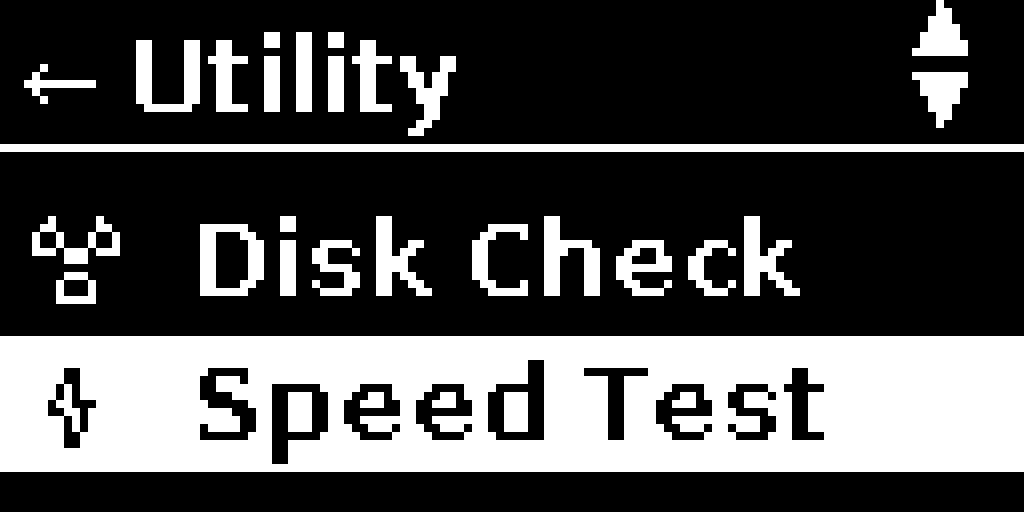
In PurrfectBackup menu select “Utility” -> “Speed Test”
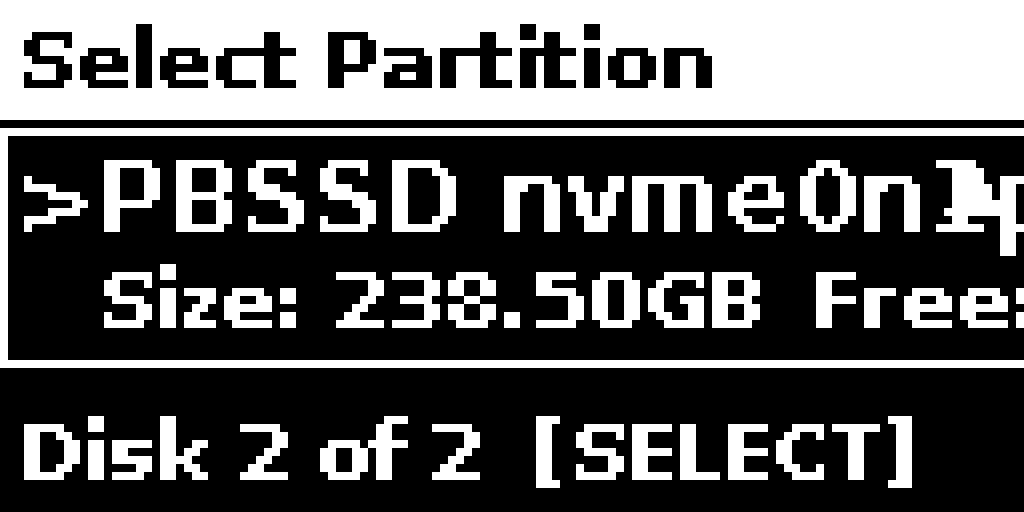
Select the disk you want to check speed of , use up/down on joystick
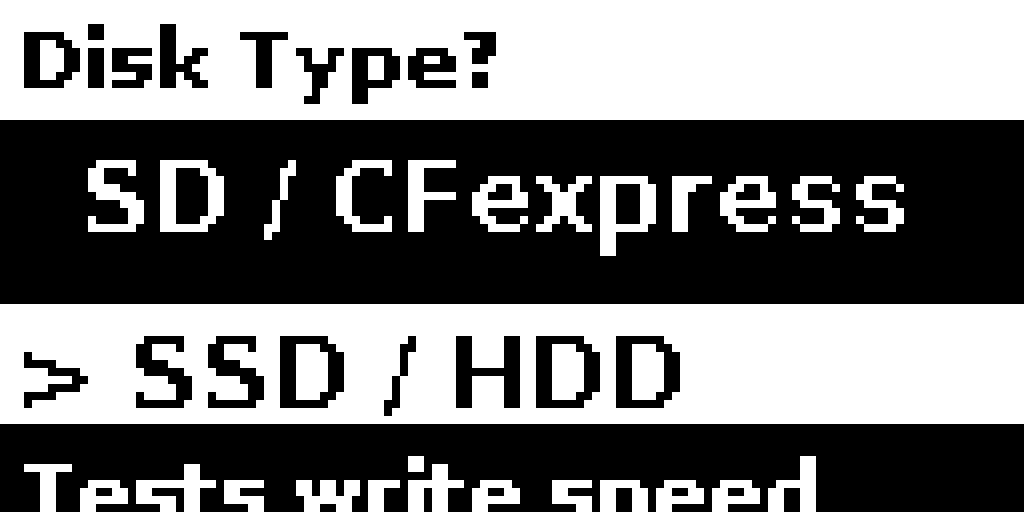
Select type i.e. if it is a SD Card or as SSD
If SD card selected it checks read speed and if SSD/HDD is selected it checks for write speed
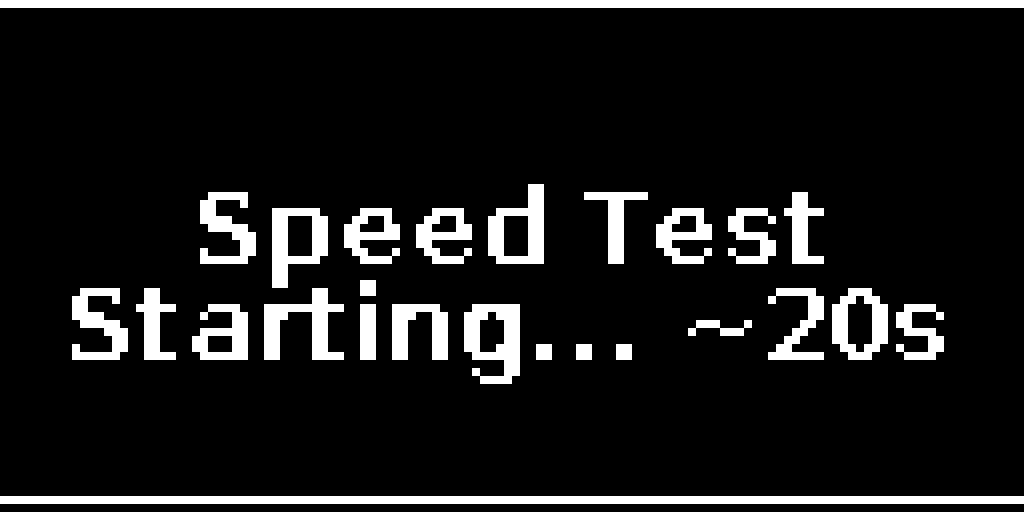
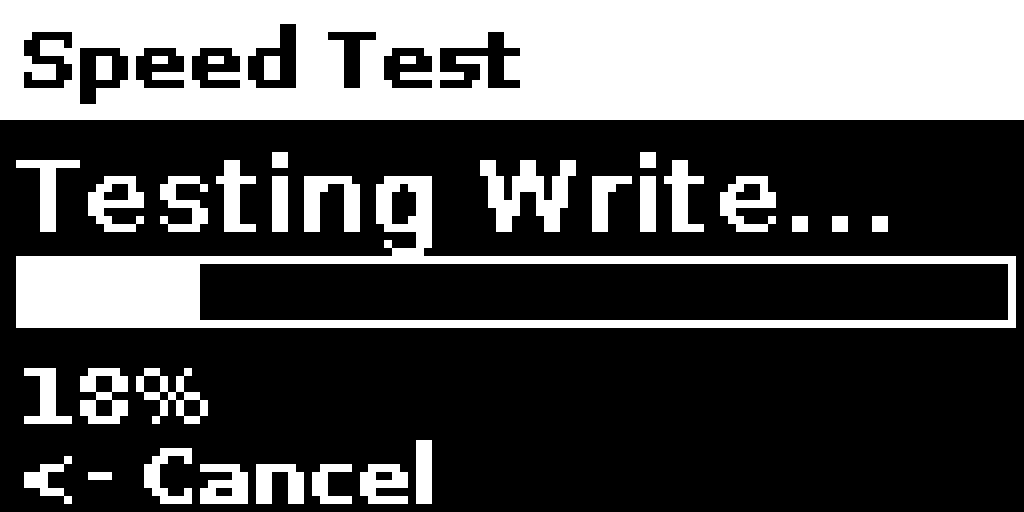
Next screen would go on for couple of minutes to check speed of disk
Might take few minutes, if it takes too long, disk is too slow and you can switch off PurrfectBackup to reboot
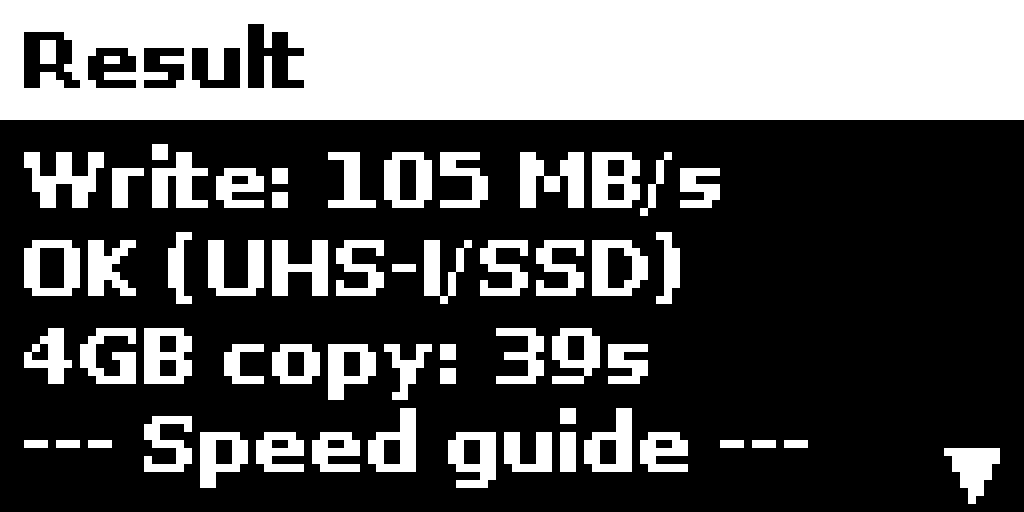
Final screen will show the result as below
Tip: if you think copy speed is not optimal, please do “Speed Test” of SD card or SDD and share with PurrfectBackup team if needed