Export Logs allows you to download a complete record of your backup operations, including timestamps, file lists, and verification results.

This function is primarily used for troubleshooting purposes. The exported log can be shared with the PurrfectBackup support team to help diagnose and resolve any issues with backup operations.
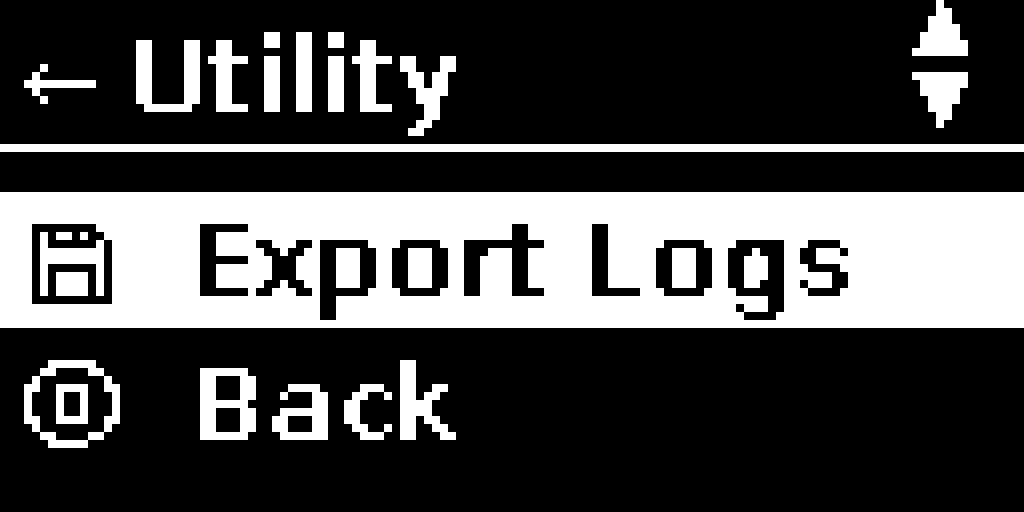
In PurrfectBackup menu select “Utility” ->“Export Logs”
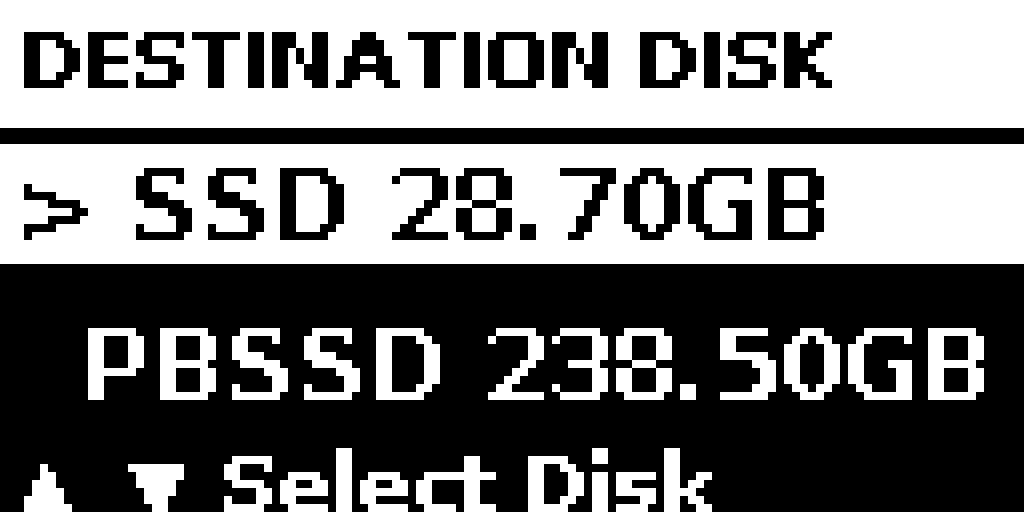
Insert a disk and select where exported logs will be copied to, in example below on SSD
Once confirmed, it will copy logs to your SSD under folder pb_logs
Share / email file perrfectbackup_logs_xxxxxxxx_xxxxxx.gpg inside folder pb_logs with PurrfectBackup team
Tip: You can also use small thumb drive to get logs exported into it