
🎉 Get 40% off Pre-Book Now →
no phone, no Wi-Fi, no apps
Your card’s full.
There’s no laptop in sight.
PurrfectBackup is a pocket-sized, laptop-free backup device for photographers, travelers, and content creators. Copy your SD, microSD, CFexpress, CFast cards directly to fast internal storage or external SSD – no phone, no Wi-Fi, no apps required.
✓Pre-launch pass – 40% off list price
One-Button Copy
Plug your card & press copy – that’s it.
Organized Backups
Files saved by date & folder, ready for editing.
Skips Duplicates
Smart skip logic, only new files copied.
Travel Ready
Fits in pocket, works with power banks.
Four Steps
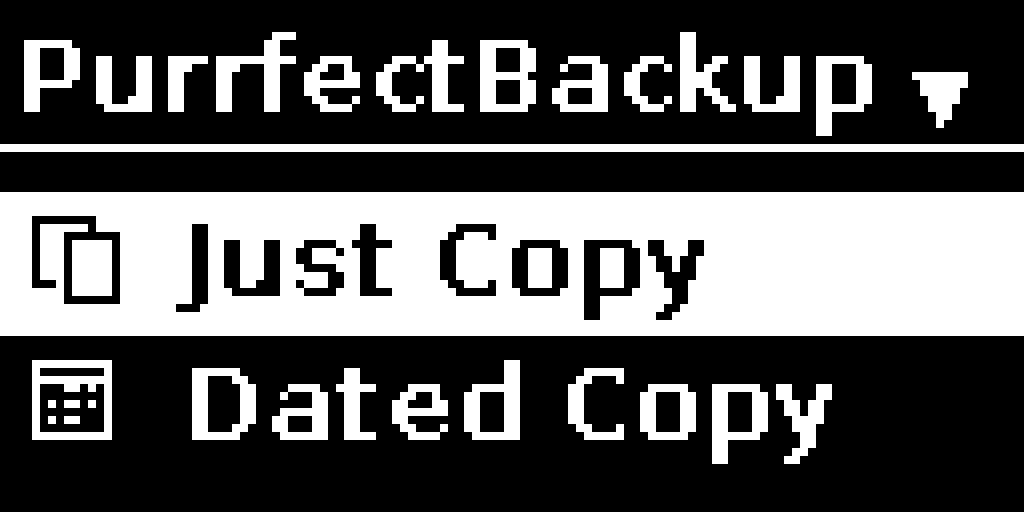
01. Power on
USB-C power bank or the supplied 27W adapter.

02. Connect
Card reader in one USB port, SSD/HDD in the other.
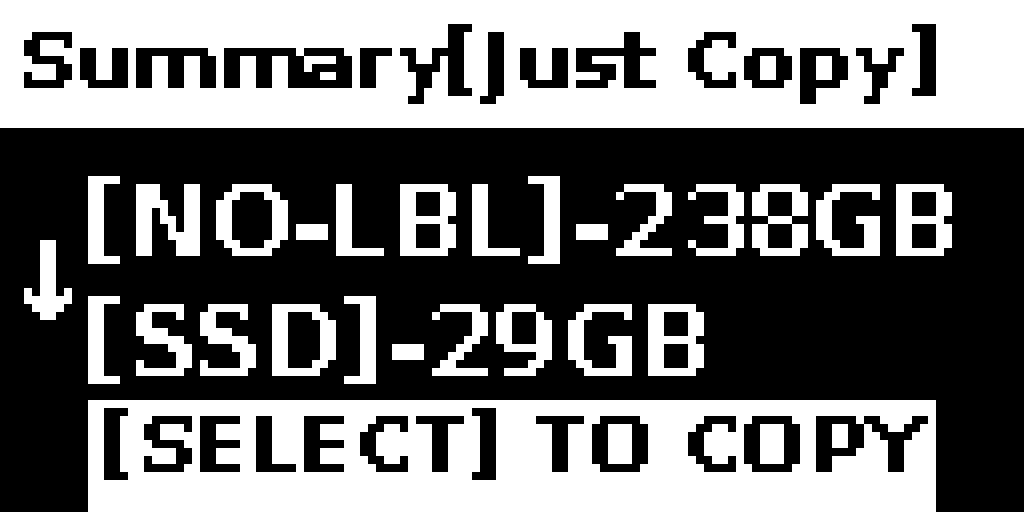
03. Copy
OLED screen guides Dated Copy or Just Copy. ~100GB in about 10 minutes.

04. Verify
Backup is checked automatically, then storage ejects safely.
Standard vs PRO
Both models back up the same cards, the same way, at the same 5Gbps port speed. PRO adds an empty internal NVMe slot so you can carry storage inside the device instead of tethering an external drive.
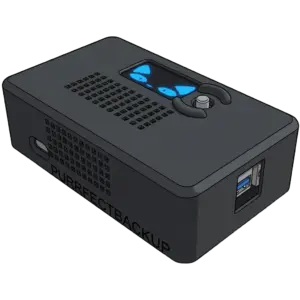
Standard
Common Features
- One-button backup
- Media cards via USB card reader
- USB 3.2 Gen 1 (5Gbps) – 2 ports
- OLED display with joystick control
- WebUI over local Wi-Fi (optional)
Requires external USB storage (SSD/HDD)*
Upgrade
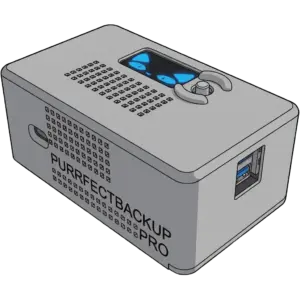
PRO
Common Features
- One-button backup
- Media cards via USB card reader
- USB 3.2 Gen 1 (5Gbps) – 2 ports
- OLED display with joystick control
- WebUI over local Wi-Fi (optional)
+ Empty M.2 NVMe slot
Install your own SSD (not included)
Install your own SSD (not included)
Technical Specs [Standard & PRO]
| Processor (CPU) | Quad-core 2.4 GHz |
| Memory (RAM) | 2 GB |
| Display | 1.3″ OLED screen |
| Control | 5 way joy stick |
| WIFI | 5.0 GHz 802.11ac Wi-Fi |
| Ports | 2 × USB 3.0 ports [ 5Gbps per port], 1 USB-C for Power |
| Battery | Real-Time Clock (RTC), Installed CR2032 |
| NVMe or M.2 Slot | Only PRO model, up to 4TB |
How PurrfectBackup compares
A simpler way to back up photos and videos in the field.
Feature
PurrfectBackup
GNARBOX
NextoDI
DJI Copilot
Others
* Compatible camera media requires a suitable card reader.
How PurrfectBackup compares
A simpler way to back up photos and videos in the field.
PurrfectBackup
Available nowBackup your photos and videos without carrying a laptop.
✓
No laptop
Back up directly from your camera card.
✓
No phone or app
Just plug in and copy.
✓
No internet or Wi-Fi
Designed to work completely offline.
✓
One-button backup
Simple enough to use in the field.
✓
Your storage
Use your own external SSD or NVMe.
✓
SD, CFexpress & CFast
Use a compatible card reader.
✓
Organize by date
Keep original folders or organize backups by date.
✓
Backup history & verification
Review what has been backed up.
How does it compare?
A quick look at the differences.
Feature
PurrfectBackup
Other devices
Laptop-free backup
✓
✓
Phone or app required
No
Some
Internet / Wi-Fi required
No
Some
One-button backup
✓
Some
Use your own storage
✓
Varies
SD / CFexpress / CFast*
✓
Varies
Currently available
✓
Varies
See detailed comparison
GNARBOX
DiscontinuedA dedicated field backup device built around a phone and app-based workflow.
NextoDI
DiscontinuedDedicated photo and video backup devices from an older product line.
DJI Copilot
DiscontinuedPortable storage and backup device with built-in storage.
* Compatible camera media requires a suitable card reader.
Why it exists?
Built for the moment your laptop isn’t there
No apps, no internet, no subscription — just reliable offline backups, on location.
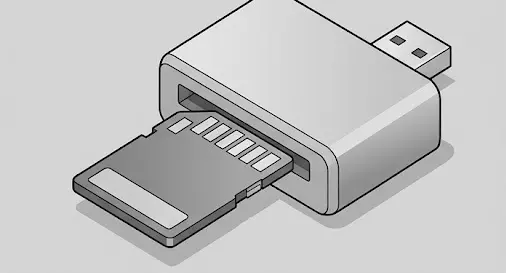
One-button copy
Plug in the card, press copy. No app, no pairing, no menus to get lost in.
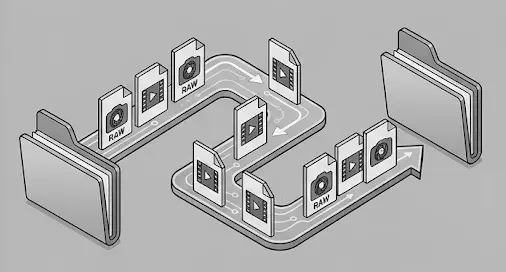
Dated or Just Copy
Auto-sort by shoot date, or mirror the card’s folder structure exactly – your choice.
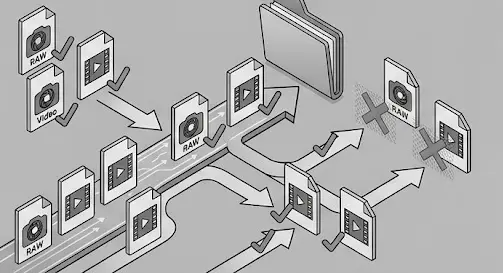
Never re-copies
Smart duplicate detection skips what’s already backed up, even across filename resets at 9999.

Fits in a jacket pocket
Runs off a 20W+ USB-C power bank – roughly 2-3 hours per 10,000mAh.
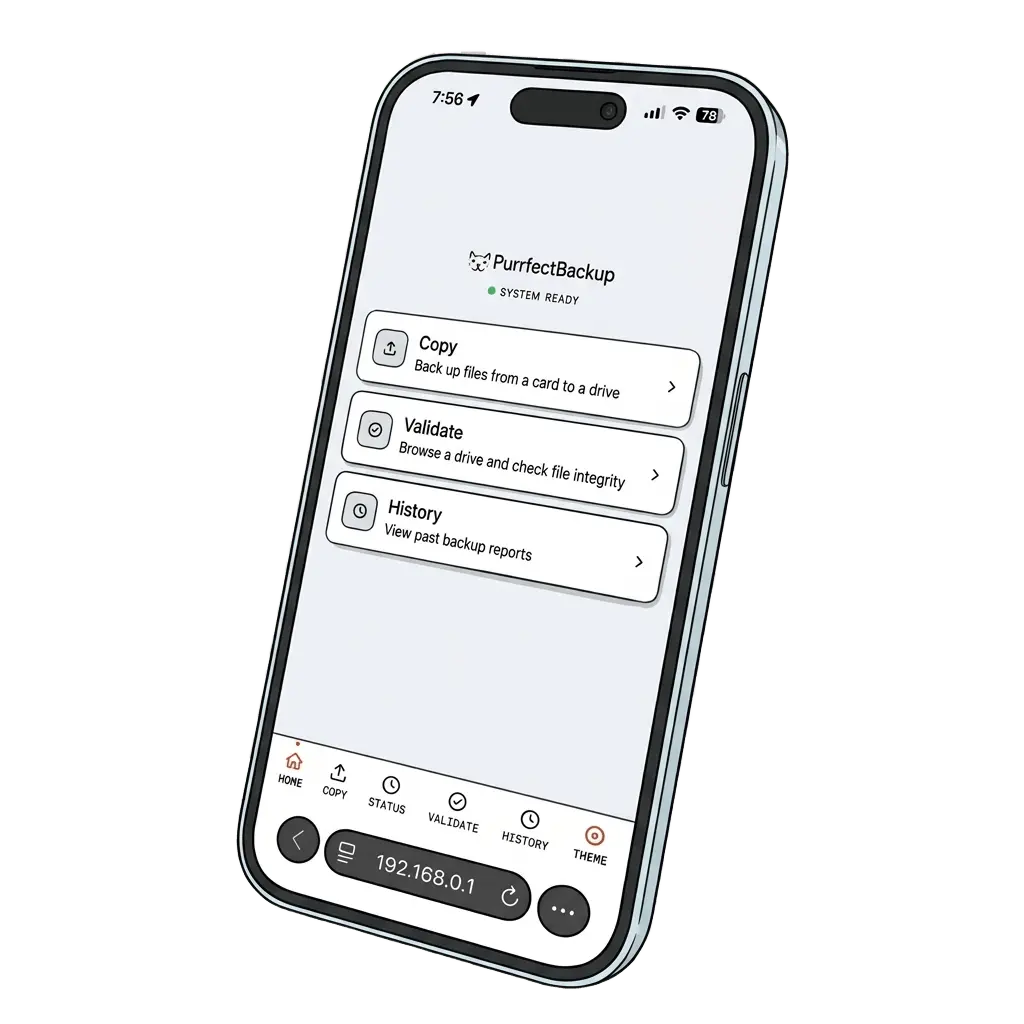
For advanced users
PurrfectBackup WebUI
- Copy data on the fly – Start and manage backups
- Verify your backups – Validate copied files, preview them, or download them.
- See your backup history – View past backups in a simple dashboard.
Who needs it ? Photographers
Your Gear Is Expensive. Your Memories Are Priceless.
One lost card. One corrupted file. One stolen bag.
That’s all it takes to lose a moment forever.






One lost shoot. One lost moment. One lost trip. Cannot be undone.
Articles
Backup Modes
Dated copy vs Just copy
Dated Copy sorts files by shoot date into dated-backup/MM-DD-YYYY. Just Copy mirrors your card’s folder structure into just-backup.
WebUI
Copy, validate & preview
Optional local WebUI lets you run custom copies, browse backup history, validate files, and preview from a phone or laptop
Troubleshooting
To set time and zone
In menu Go to Settings > Set Time and select time zone. Year → Month → Day → Hour → Minute
FAQ
Frequently asked questions
How does PurrfectBackup work?
Power the device via USB-C, plug your card reader into one port and your SSD into the other. The OLED screen guides you through the one-button copy process – no laptop, no Wi-Fi, no apps needed.
How fast is the data transfer?
Each USB port supports up to 5Gbps (~500MB/s). Real-world sustained speeds typically run 100–200MB/s — for example, 100GB from a CFexpress card to NVMe SSD takes roughly 10 minutes.
Which memory cards and readers are compatible?
Any media cards such as SD, CF Express, Micro SD etc. via a compatible USB reader.
Does it ever delete or modify my original files?
No. PurrfectBackup only reads from your memory card — it never writes to or deletes anything on the source card.
See How It Works
Watch our quick demos to understand the backup process

Pay $1 or ₹99, save 40% at launch
PurrfectBackup is finishing production with manufacturers. Reserve your unit now with a fully refundable pass and lock in early-access pricing. Full price is due only once devices ship, later in 2026.
International Store
$1

Priority shipping
Valid of one Standard or PRO model
Add both Std. and PRO in same cart
India Store
₹99
Priority shipping
Valid of one Standard or PRO model
Add both Std. and PRO in same cart
Join waitlist
Register below to get notified when PurrfectBackup is released and receive future discounts up to 30%.