
🎉 Get 40% off Pre-Book Now →
Settings

Skip to main content 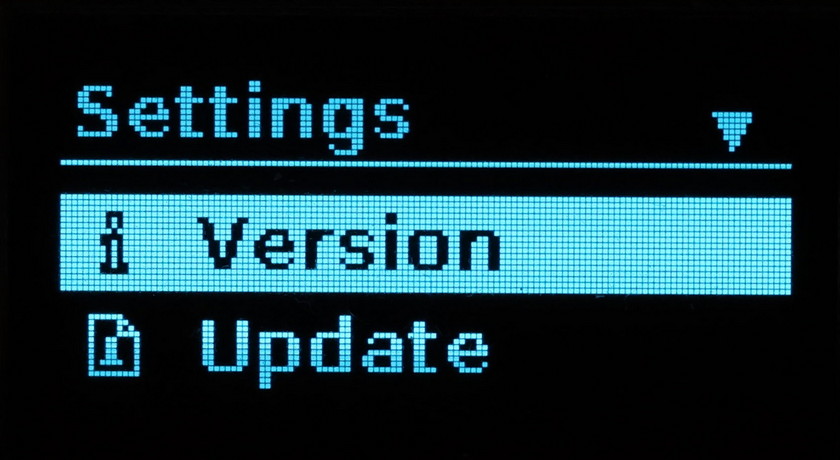
PurrfectBackup Knowledge Base
PurrfectBackup Settings
This guide explains all the features in the Settings section of your PurrfectBackup device.
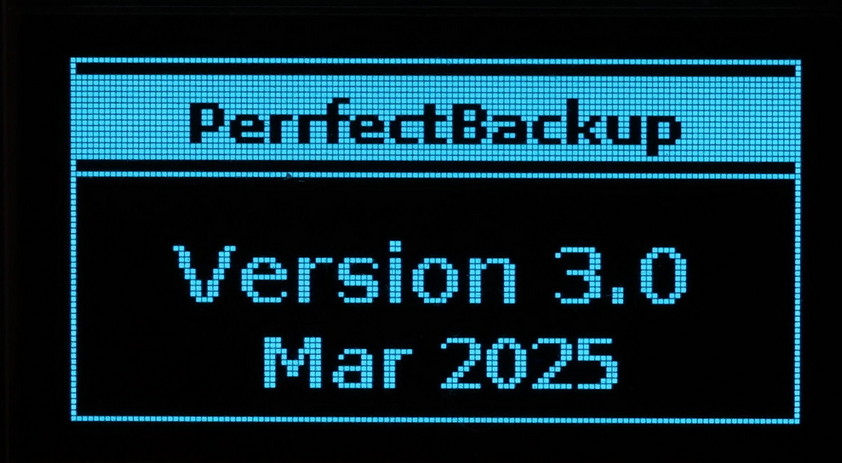
Version
Displays the current installed version of PurrfectBackup.
Navigation: Press LEFT to go back to the main menu.
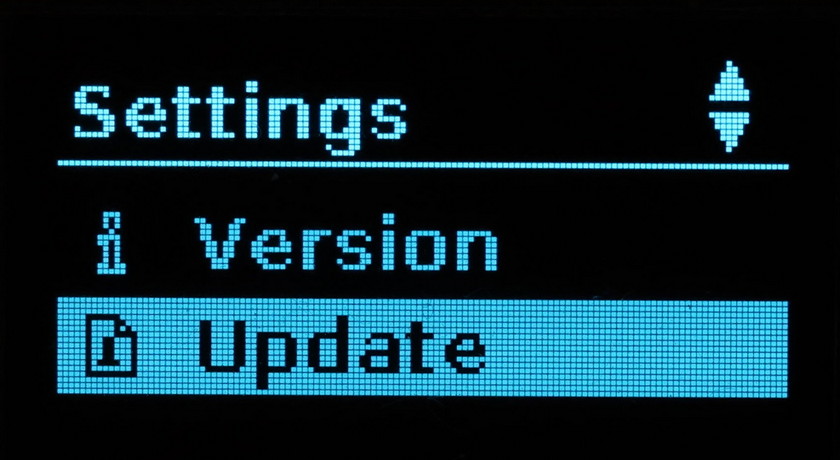
Update
This option lets you update your PurrfectBackup software to the latest version.
Steps to Update : https://purrfectbackup.com/pb-kb/update-purrfectbackup/
Troubleshooting
- No Update File Found: Check filename and format
- Update Failed: Try another USB drive or ensure proper formatting (FAT32/exFAT).
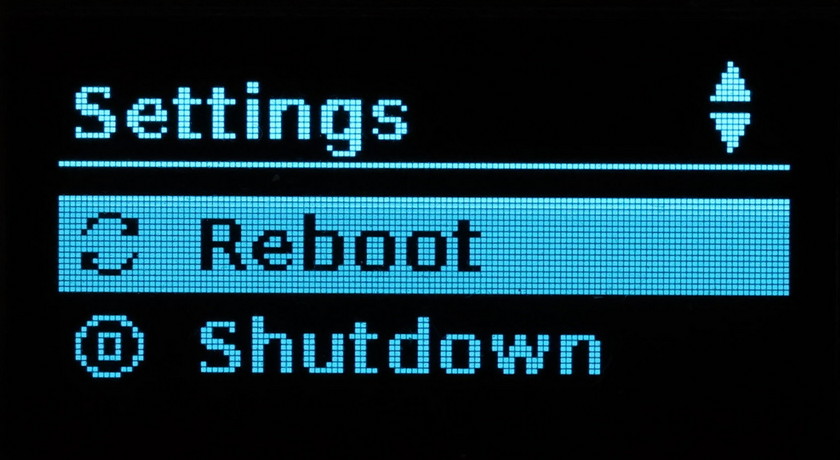
Reboot
Restarts your PurrfectBackup device immediately.
Shutdown
Safely powers off the PurrfectBackup device.
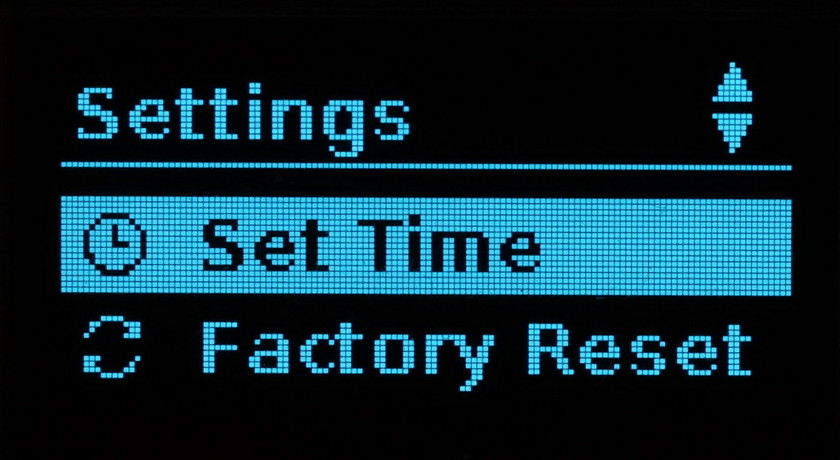
Set Time
Allows you to manually configure the date and time on your device.
Steps to set time : https://purrfectbackup.com/pb-kb/change-time-zone/
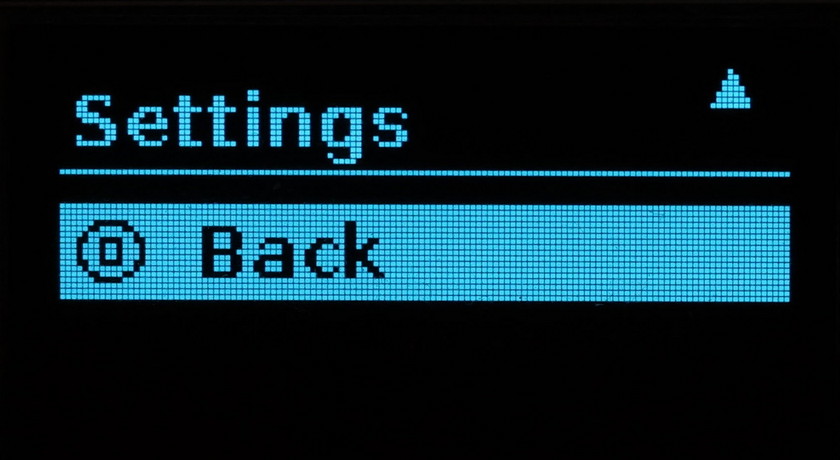
Back
Returns to the main menu from the Settings screen.