
🎉 Get 40% off Pre-Book Now →
History on Device

Skip to main content 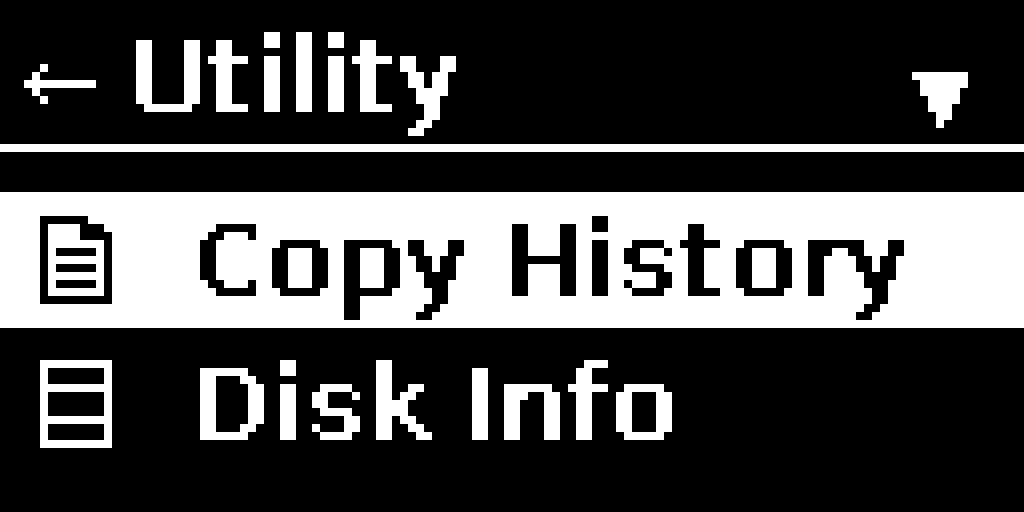
PurrfectBackup Knowledge Base
PurrfectBackup WebUI
How to review your backup logs and storage information on PurrfectBackup without WebUI
- From the main menu, select “Copy History”
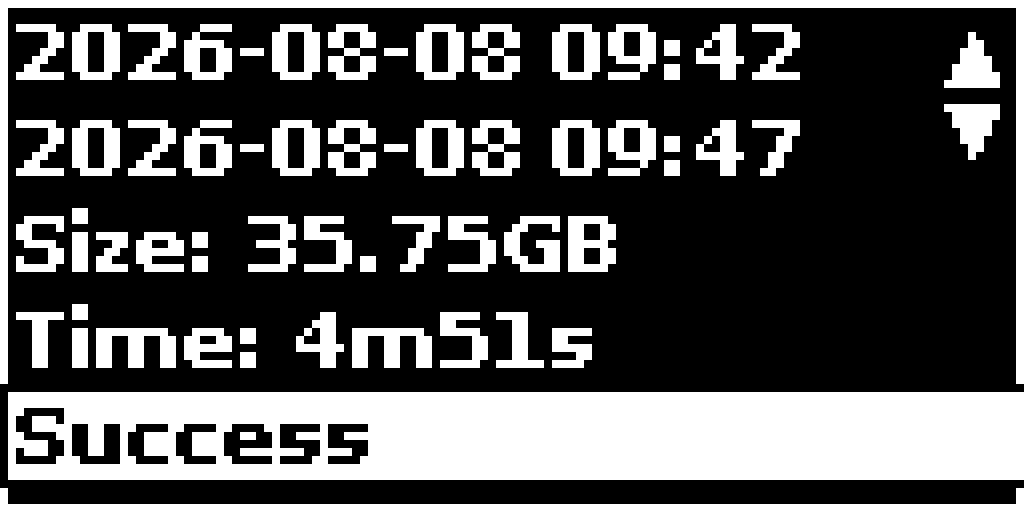
- Use the up/down arrows to scroll through past backups
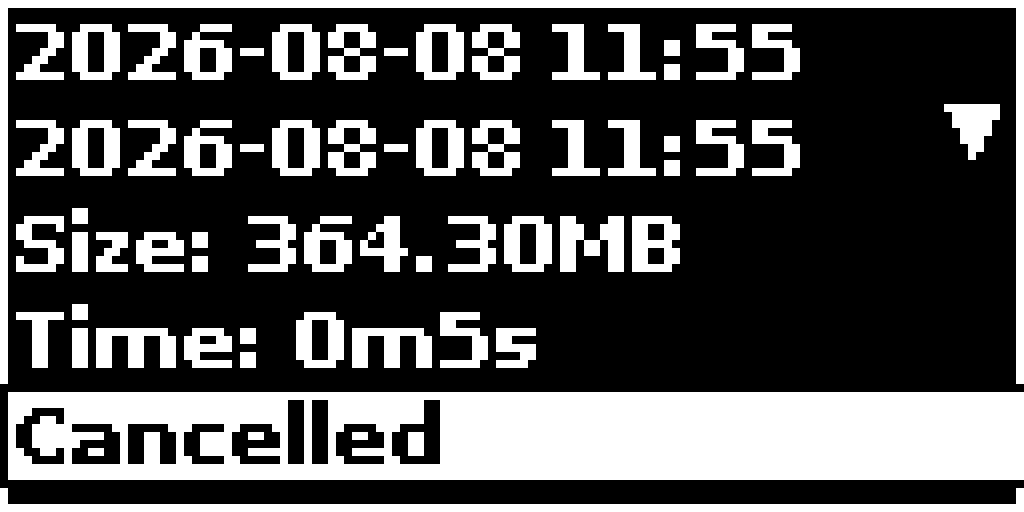
- For each entry you’ll see:
- Start and end timestamps
- Data volume copied
- Success/failure status
- Press left on joystick to return to the menu
Tip: Check history after each backup to verify completion.