
🎉 Get 40% off Pre-Book Now →
Fix Disk Errors

Skip to main content 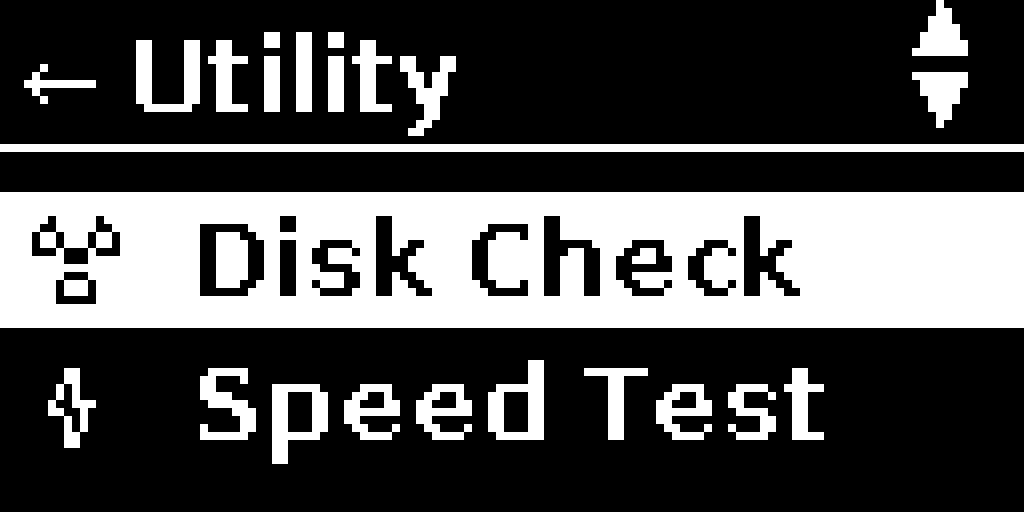
PurrfectBackup Knowledge Base
Disk not detecting?
Use option below to fix any error disk might have
How to Fix Errors in your SD Card or SSD or Hard Disk
- Connect the disk you want to fix errors in
- From the main menu, select “Disk Check”
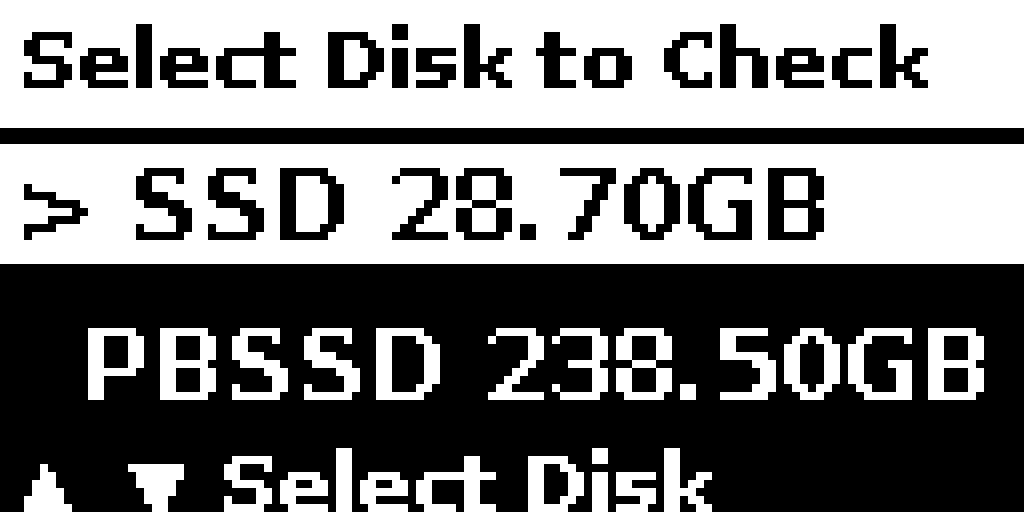
- It will Lists all connected USB disks and its partitions
- Navigation: Up/Down to browse, click select to check the disk
- For each disk/partition you’ll see:
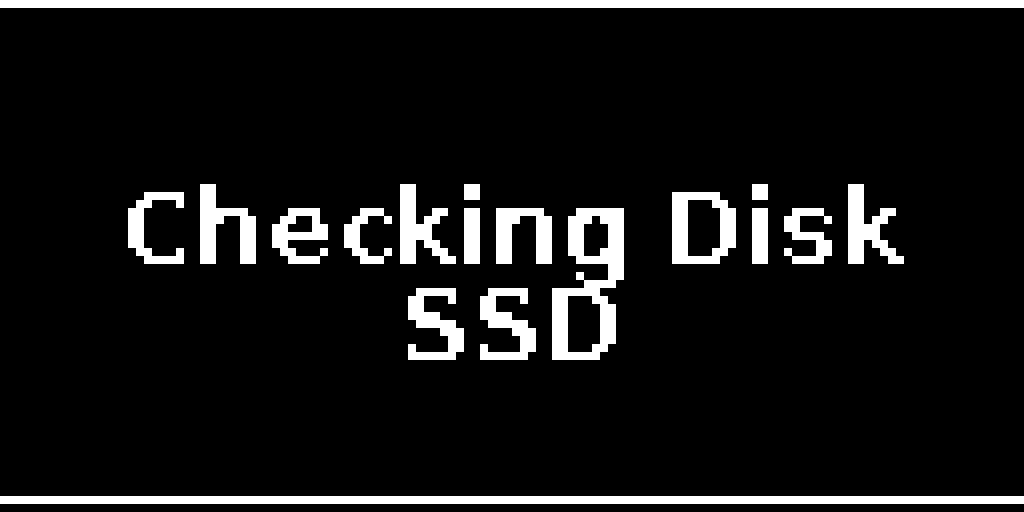
- Click on same to fix errors automatically
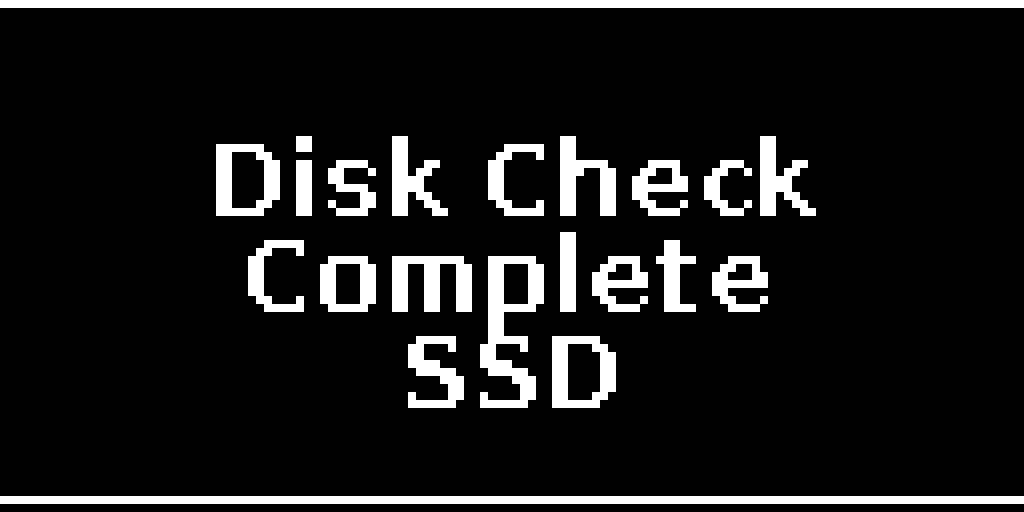
- Automatically returns to the menu after the fixing errors
Tip: When your disk does not detect properly please use this option or was ejected unclean