
🎉 Get 40% off Pre-Book Now →
How to Back Up Photos in the Field: Comparing Your Options

Photo Backup Methods Compared: Laptop vs Phone vs Dedicated Device
When you’re out photographing wildlife, covering a wedding, flying a drone, or travelling somewhere remote, your memory cards can fill up quickly. And when you’re away from your laptop, making a reliable backup isn’t always straightforward.
You could carry a laptop, use a phone with a card reader, rely on a dedicated portable backup device, or simply carry extra memory cards.
Each approach has advantages. The right choice depends on how much gear you want to carry, how much control you need, and how you prefer to manage your files in the field.
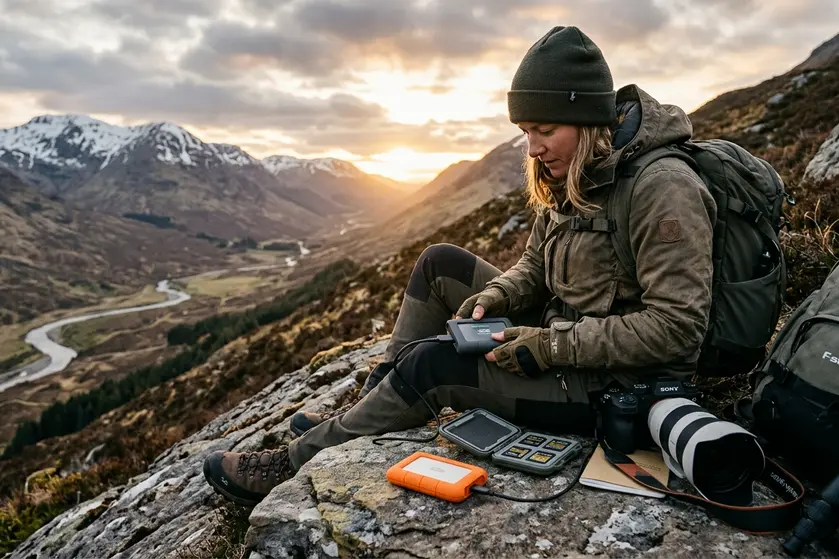
The main ways to back up photos without returning to your computer
1. Using a laptop
A laptop offers the greatest flexibility. You can browse files, organize folders, inspect images, and run advanced backup or verification tools.
The trade-off is portability. A laptop adds weight, requires charging, and needs a suitable place to work. In remote locations, on long wildlife drives, or during busy wedding assignments, setting everything up can be inconvenient.
Best for: Photographers who need extensive file management, editing, and a full workstation.
2. Using a phone or tablet
A phone or tablet paired with a compatible card reader and storage device can provide a lightweight alternative. You can import files and, depending on your device and software, review images while travelling.
However, the workflow may involve adapters, cables, app compatibility, storage management, and battery consumption. Some workflows also depend on a screen and operating system that you need to manage.
Best for: Travellers who want to review or manage their photos on a device they already carry.
3. Using a dedicated portable backup device
A dedicated backup device is designed around one job: copying files from your memory cards to storage without needing a laptop or phone.
PurrfectBackup follows this approach. Connect a compatible card reader and an external SSD or HDD, power on the device, and press the copy button. No phone, app, internet connection, or Wi-Fi is required for the backup workflow.
It is designed for photographers who want a repeatable, straightforward way to back up their cards while on location.
Best for: Photographers who prioritize a dedicated, screen-independent backup workflow in the field.
4. Carrying extra memory cards
The simplest approach is often to bring more cards. You can switch to a fresh card when one fills up and keep the original card untouched.
This avoids transferring files in the field, but it isn’t the same as creating a second copy. If a card is lost, damaged, or corrupted, the files on it may be lost too.
Best for: Photographers who want to minimize equipment and can safely retain their original cards until they have access to proper backup storage.
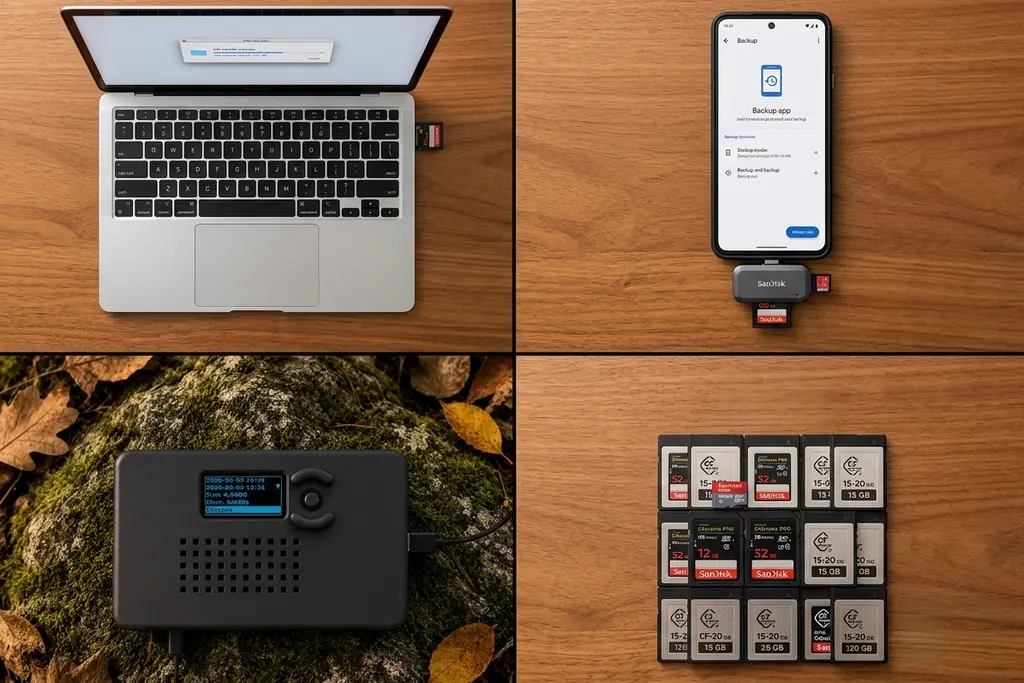
Comparing the Options
| Feature | Laptop | Phone / Tablet | PurrfectBackup | Extra Cards |
|---|---|---|---|---|
| Setup | Laptop and accessories | Device, reader and cables | Device, reader, storage and power | Additional memory cards |
| Smart device required | Yes | Yes | No | No |
| Internet required | No, for local copying | No, for local copying | No | No |
| File management | Extensive | App-dependent | Web dashboard for supported workflows | Limited in the field |
| External SSD / HDD | Supported | Device-dependent | Supported | Not applicable |
| Creates a second copy | Yes, when configured | Yes, when configured | Yes, when copied successfully | No, not by itself |
Laptop
- Setup
- Laptop and accessories
- Internet
- Not required for local copying
- File management
- Extensive
- External storage
- SSD / HDD supported
- Second copy
- Yes, when configured
Phone or Tablet
- Setup
- Device, card reader and cables
- Internet
- Not required for local copying
- File management
- App-dependent
- External storage
- Depends on device compatibility
- Second copy
- Yes, when configured
PurrfectBackup
- Setup
- Device, reader, external storage and power
- Internet
- Not required
- File management
- Web dashboard for supported workflows
- External storage
- SSD / HDD supported
- Second copy
- Yes, when copied successfully
Extra Memory Cards
- Setup
- Additional memory cards
- Internet
- Not required
- File management
- Limited in the field
- External storage
- Not applicable
- Second copy
- No, not by itself
Capabilities vary by device, software and card-reader compatibility. PurrfectBackup requires a compatible card reader and external storage; neither is included with the device.
What makes PurrfectBackup different?
PurrfectBackup is built around a simple idea: backing up your photographs shouldn’t require setting up another computer workflow.
- One-button copying: Start a backup with a button press.
- No phone or app required: The core backup process runs on the device itself.
- External storage: Copy files to a compatible SSD or HDD.
- Offline operation: No internet or Wi-Fi connection is needed for local copying.
- Copy verification: Validate copied data before relying on the backup.
- Flexible copy modes: Choose between Just Copy and Dated Copy, depending on how you want files organized.
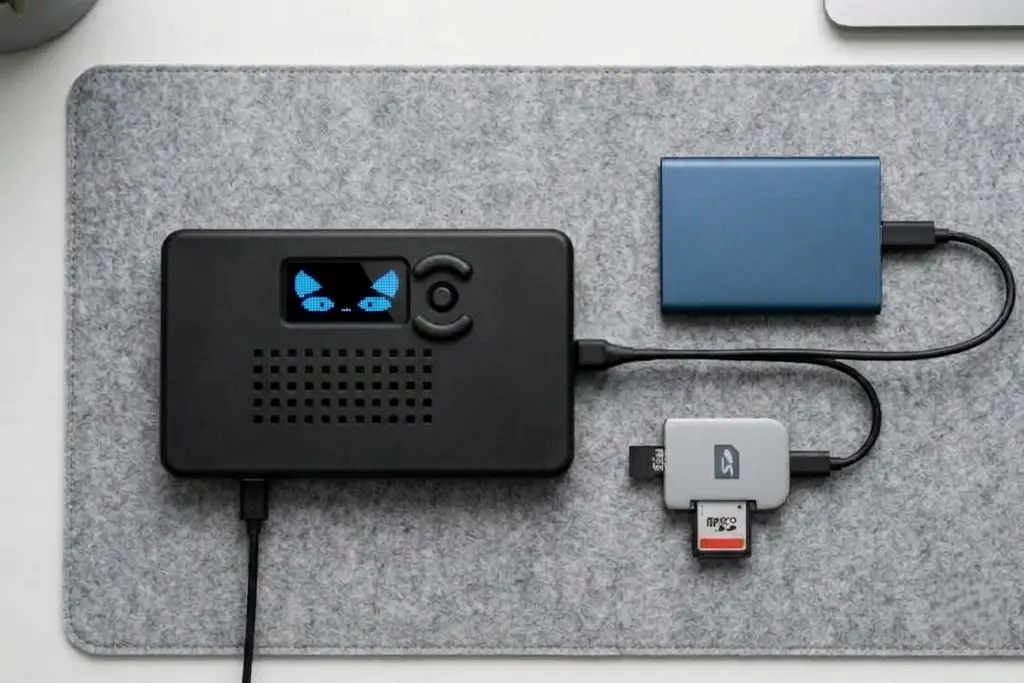
Is a dedicated backup device worth carrying?
It depends on your work.
If you already carry a laptop and need to inspect, edit, and organize photographs every evening, a dedicated backup device may be an optional extra.
If you prefer using your phone or tablet, your current setup may already work well.
But if you regularly work in remote locations, spend long days shooting, or want to keep your laptop out of your field kit, a dedicated device can simplify the backup process.
For wildlife photographers, in particular, the opportunity to back up a full card without opening a laptop can be useful when time and access to equipment are limited.
A backup is only useful if you can trust it
Regardless of which method you choose, remember that copying files is only one part of a reliable workflow.
Use suitable storage, verify your copies when possible, keep original cards until you are confident the backup is sound, and consider maintaining a second copy for important assignments.
No single device or storage medium eliminates every risk.
Final thoughts
There is no single best backup method for every photographer.
Laptops provide flexibility. Phones and tablets offer familiar interfaces. Extra memory cards keep things simple. Dedicated backup devices focus on making copies without a computer or smart device.
PurrfectBackup is designed for photographers who want that last option: a straightforward, offline backup workflow built for the field.
Do more, carry less.