
🎉 Get 40% off Pre-Book Now →
Built-in-SSD

Skip to main content 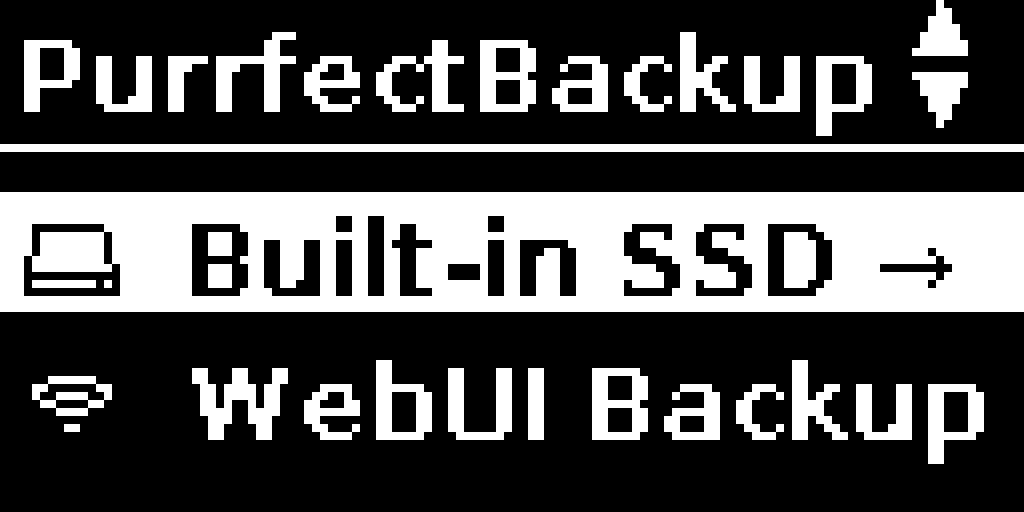


PurrfectBackup Knowledge Base
What can you do with Built-in SSD
The PurrfectBackup Pro model features a built-in NVMe SSD, This menu option is only available in PRO models.
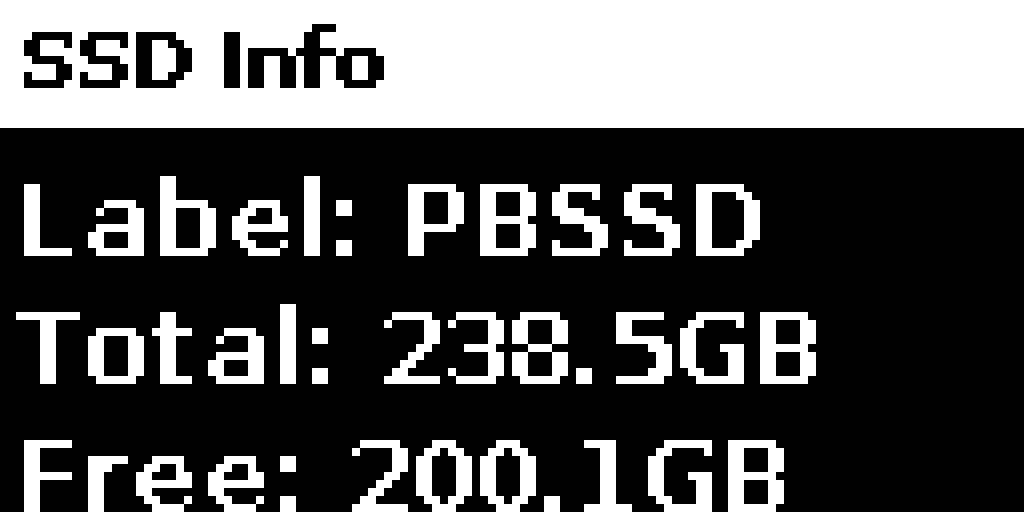
Check Built-in SSD Info
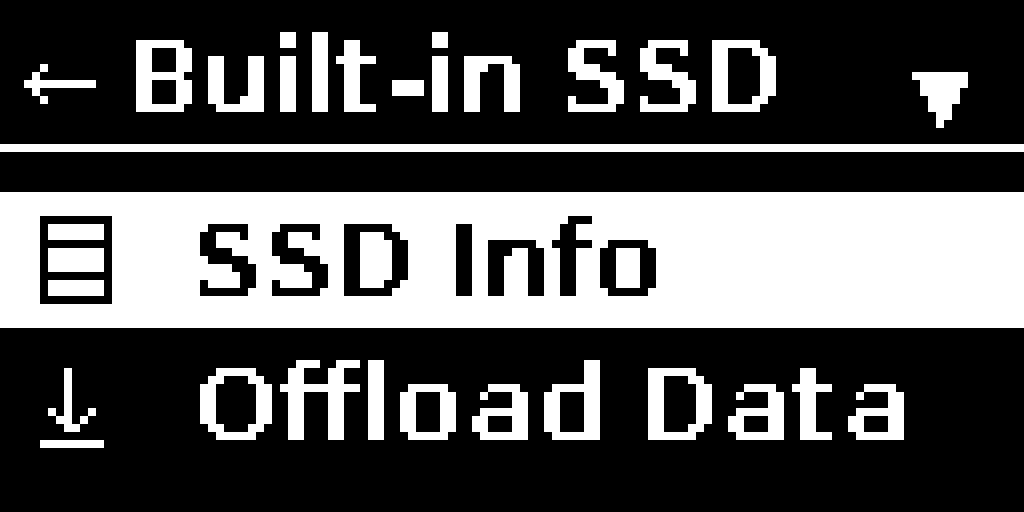
- In PurrfectBackup menu select “Built-in SSD”
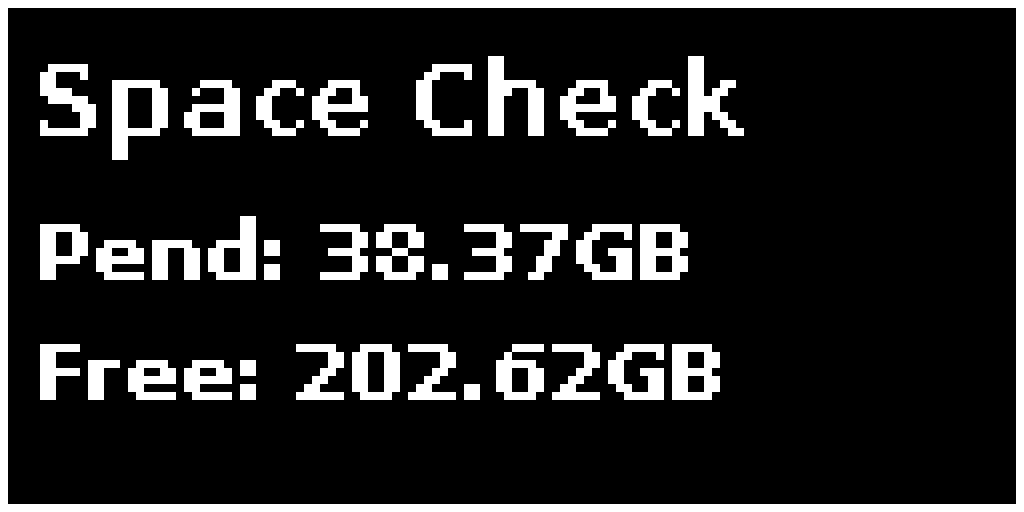
- You can check size and space info under SSD Info as below
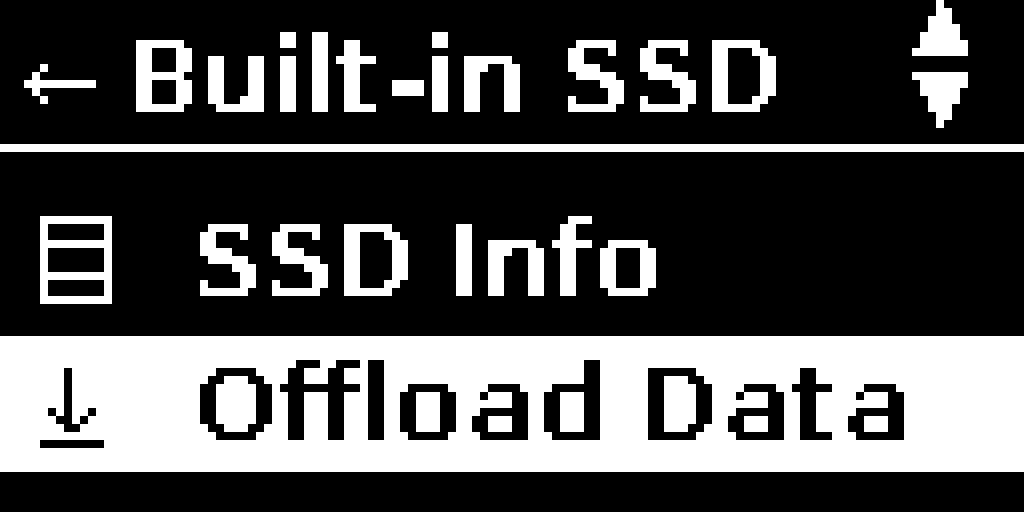
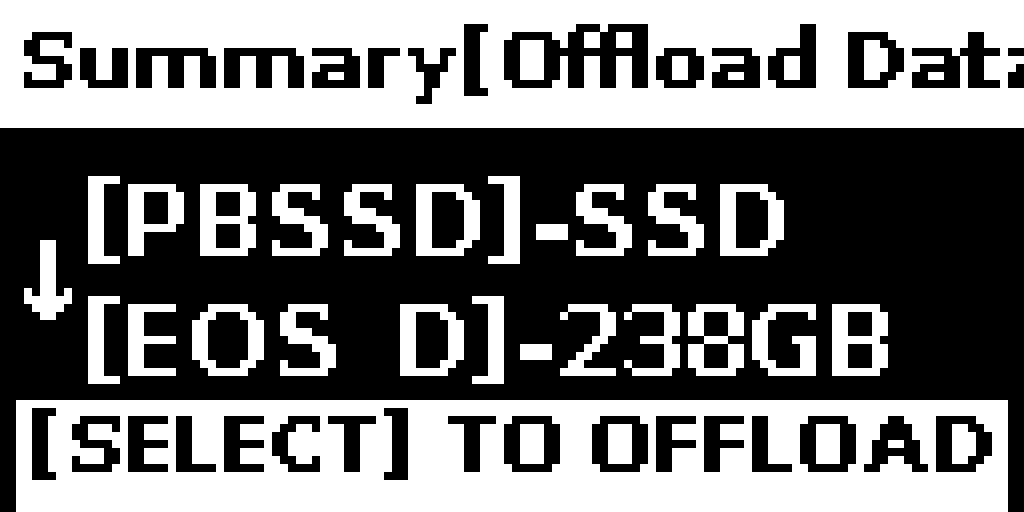
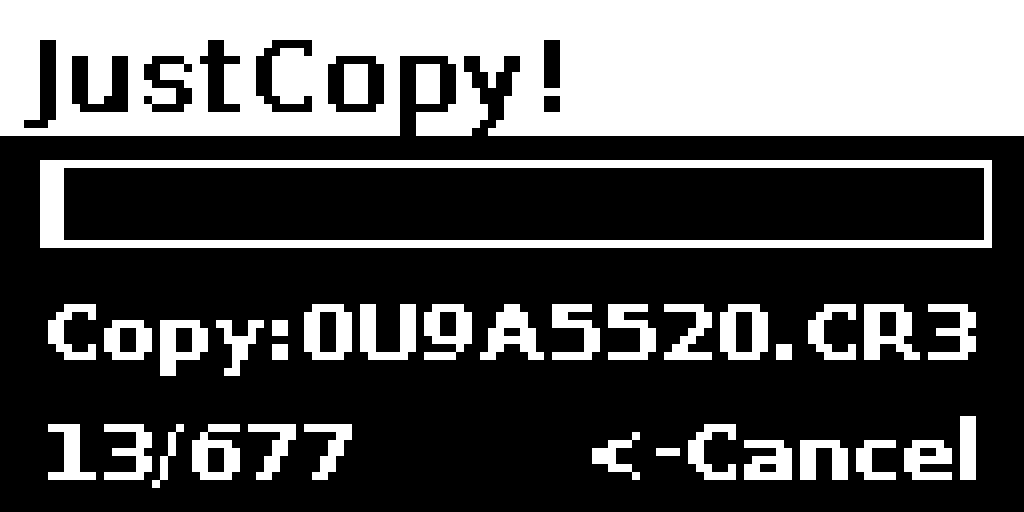
Offload data from Built-in SSD to Disk
- You can offload data from SSD to connected Disk i.e. copy all data from SSD to connected drive
Make sure destination disk as enough free space to copy all data from SSD
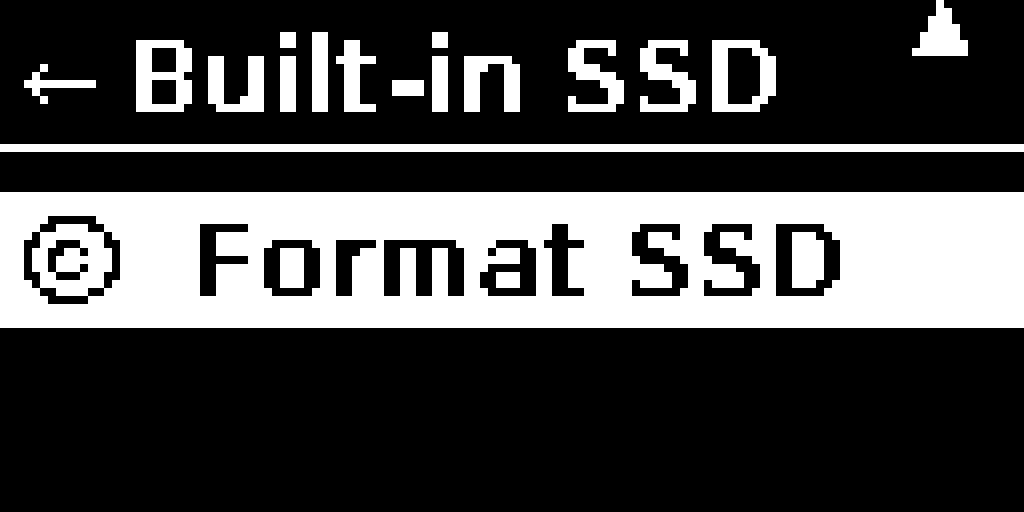
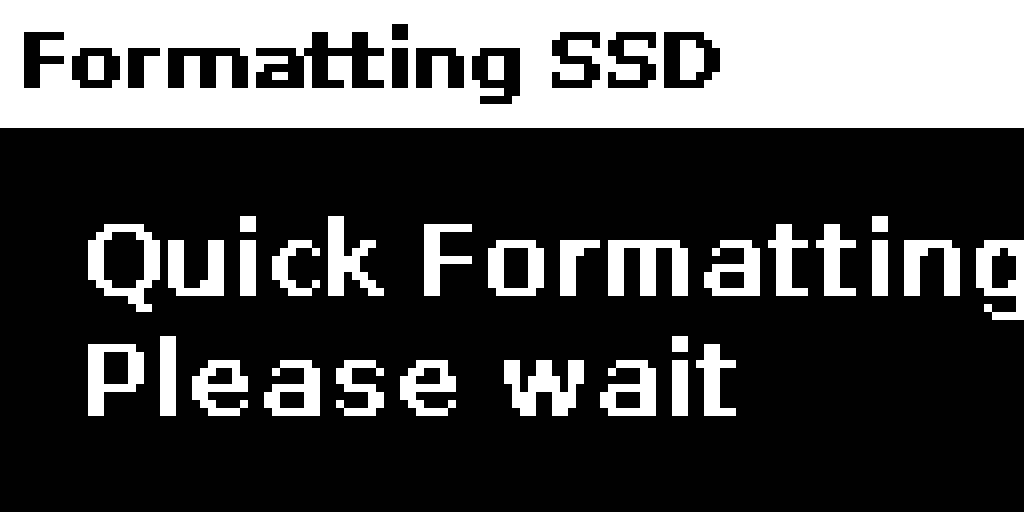
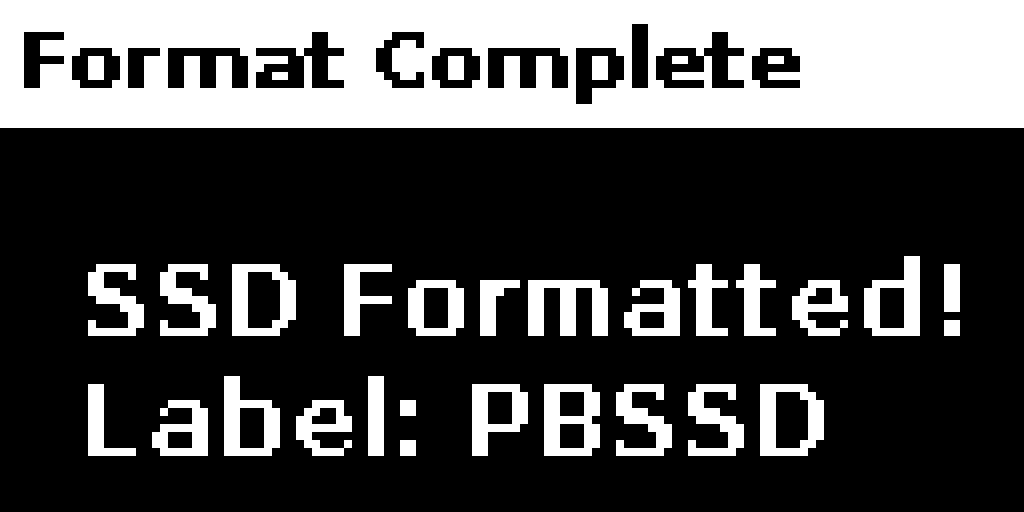
Format Built-In-SSD to reclaim space
- Once you are sure SSD has been offloaded, you can format the internal SSD to reclaim the space for next shoot
Tip: After offloading Built-in SSD data to external disk, always make sure to format the SSD