
🎉 Get 40% off Pre-Book Now →
PurrfectBackup Buttons / Power ON

Skip to main content 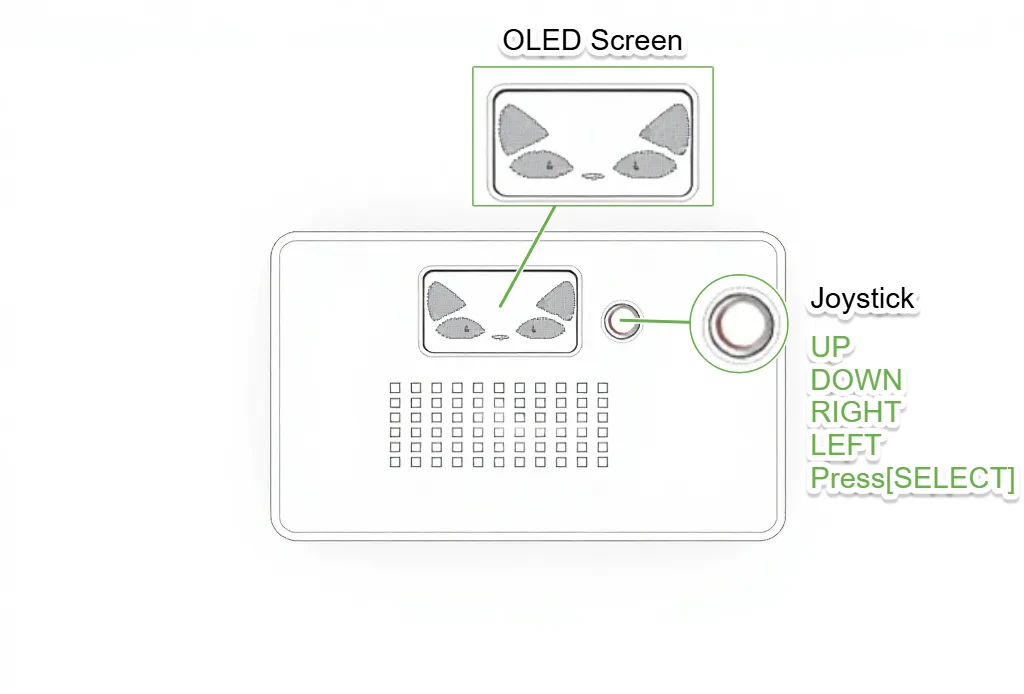
PurrfectBackup Knowledge Base
Top View
- 1.3 Inch OLED Crisp display
- 5 Way joystick to navigate (UP DOWN RIGHT LEFT and Press down to SELECT)
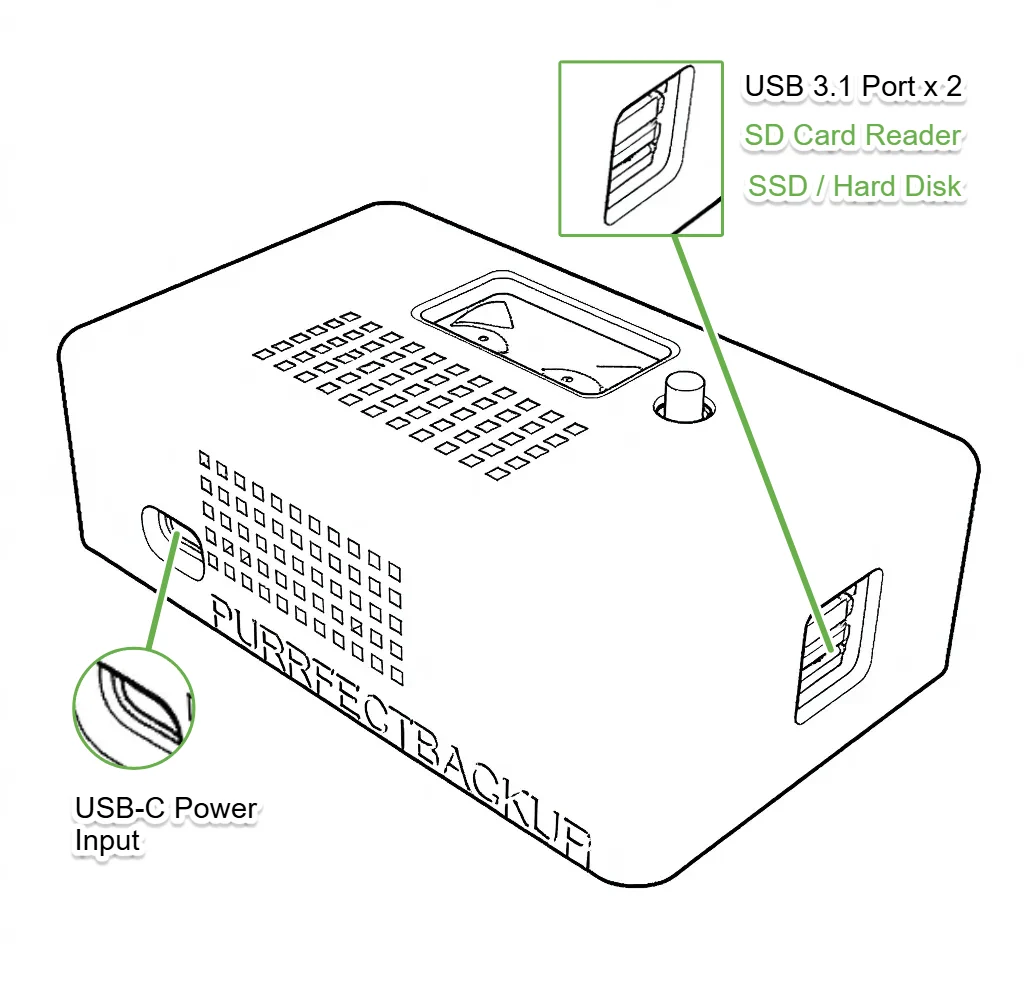
USB Ports
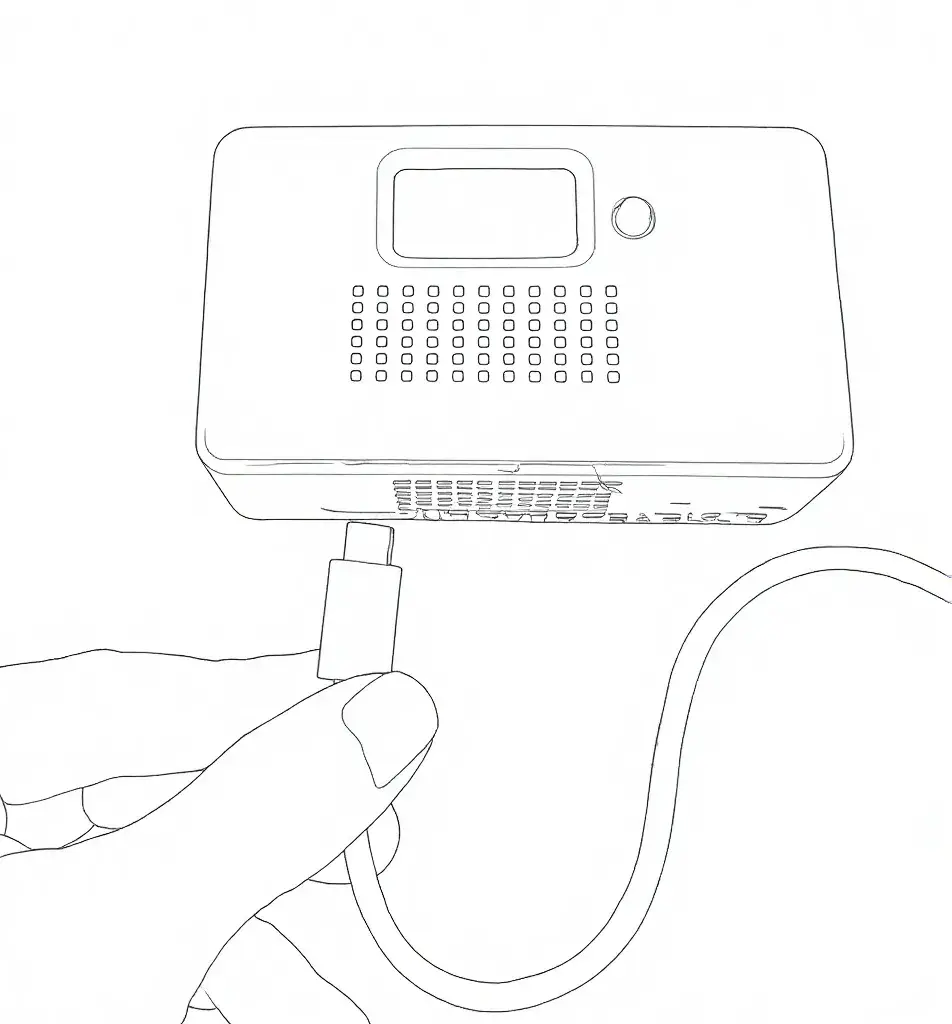
- USB-C port to insert Powering PurrfectBackup
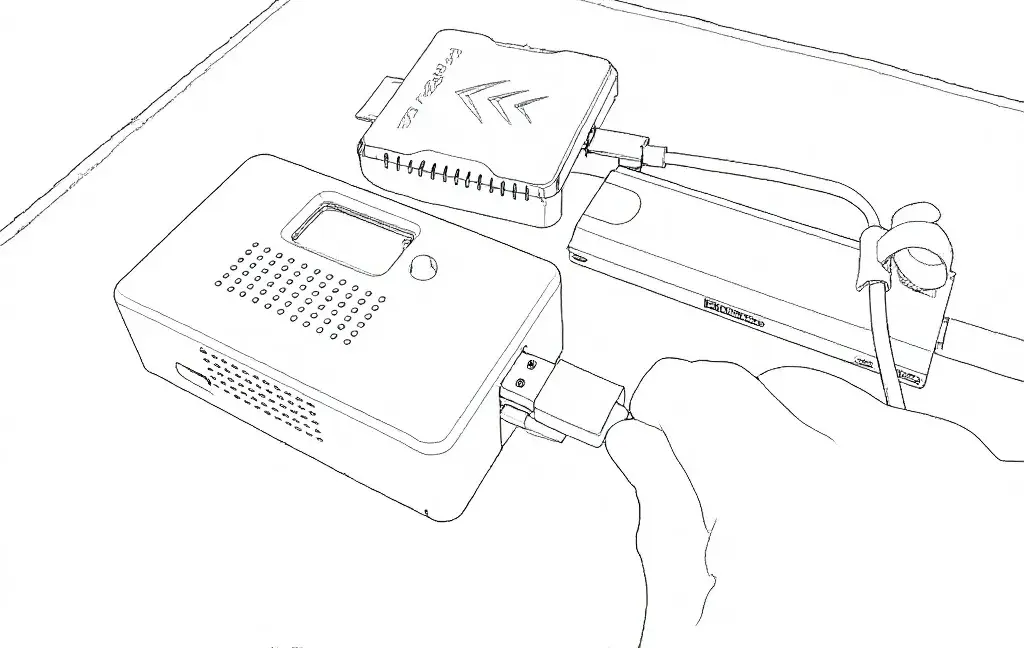
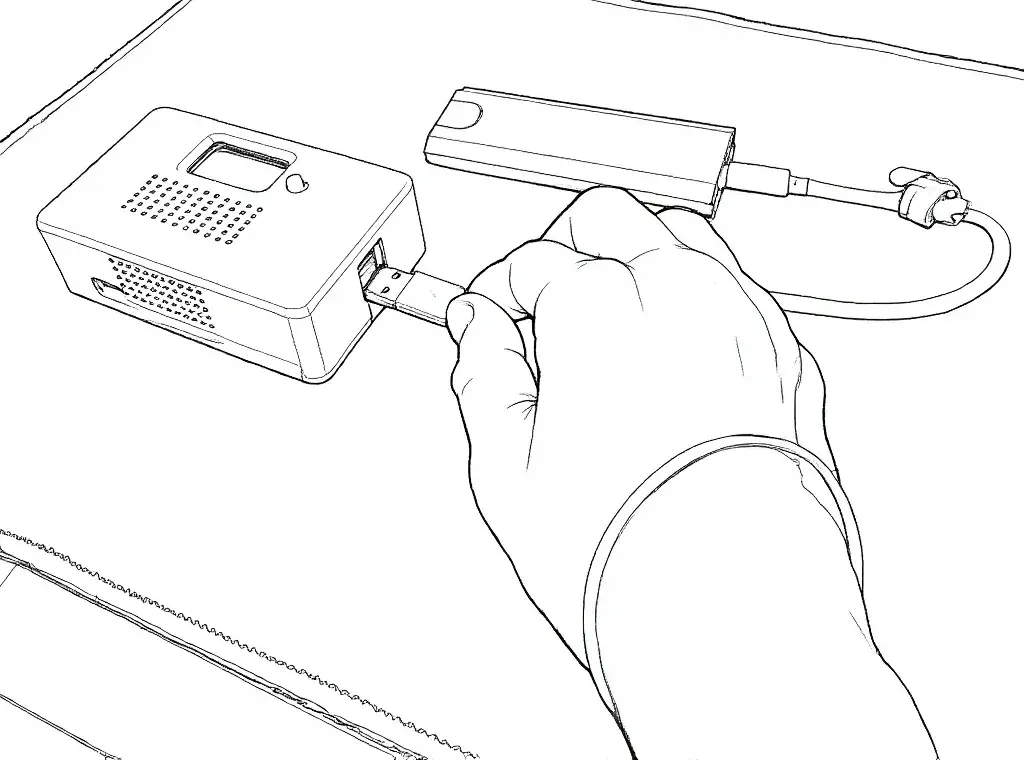
- Dual USB-A Ports to connect SDD/Hark Disk and SD Card Reader
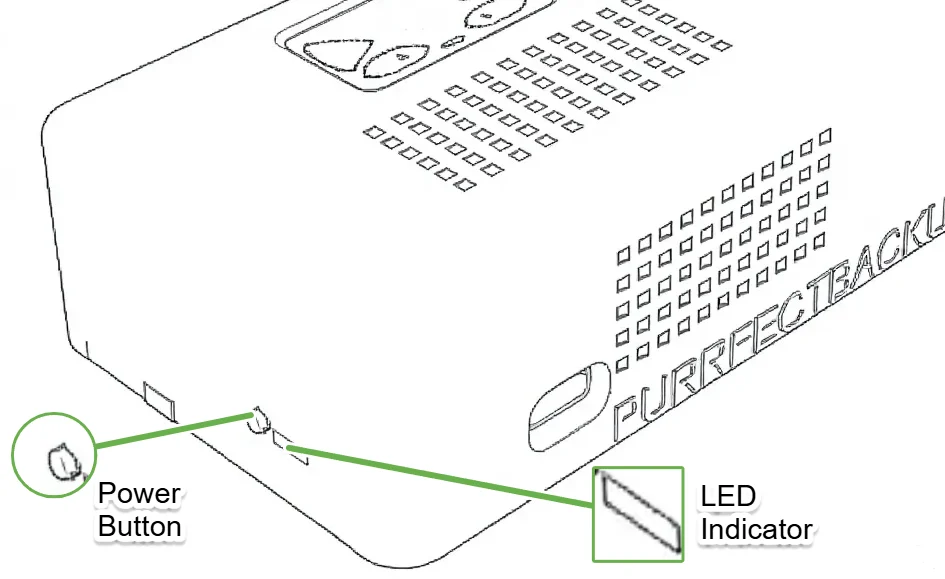
Power Button / Indicator
- Power button
- Press once to Power-ON
- Press and hold for 5 seconds to Power-OFF
- LED Activity light
- Red Color – Power off
- Green Color – Power On
- Green Blinking – Activity
Powering ON and Connections
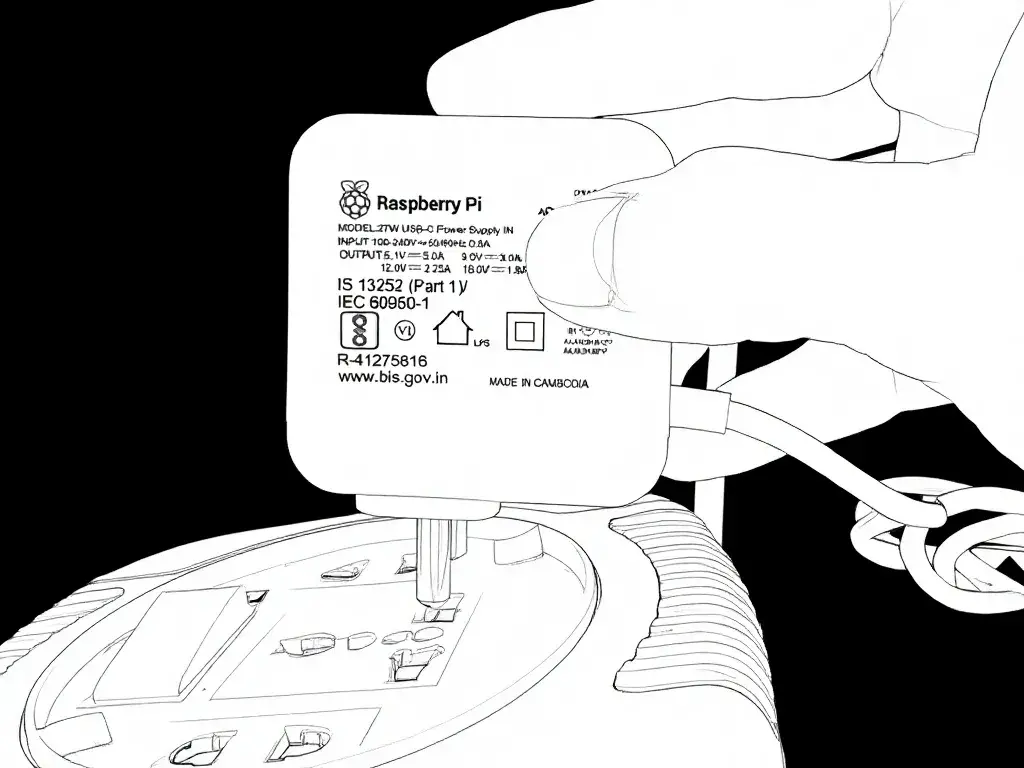
- Insert Power adapter in AC Power
- Insert USB-C from Power adapter into PurrfectBackup and wait for it to power on
- Insert Hard Disk / SSD and SD Card reader in any one of ports
Tip: Make sure connection of USB are sung