
🎉 Get 40% off Pre-Book Now →
Check Disk Info

Skip to main content 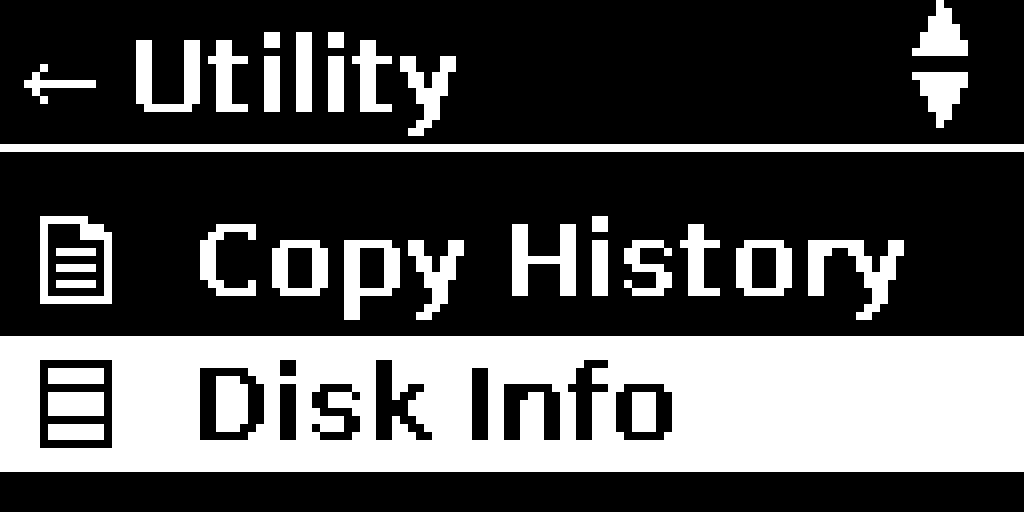
PurrfectBackup Knowledge Base
How to Check free Disk Space
- Connect the disk you want to check
- From the main menu, select “Disk Info”
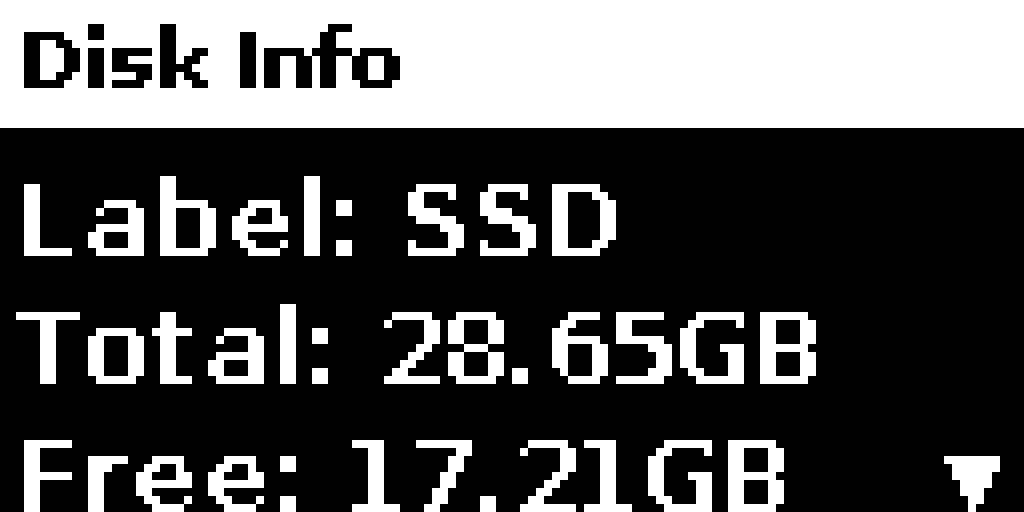
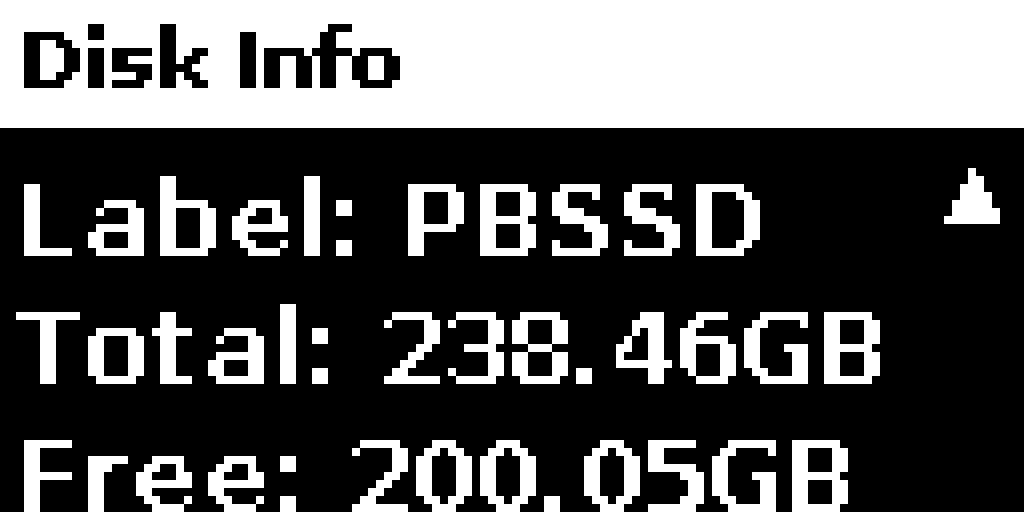
- Browse through connected disks using up/down arrows
- For each disk/partition you’ll see:
- Total capacity
- Available space
- File system type
- Press the left button to return to the menu