
🎉 Get 40% off Pre-Book Now →
Change Time zone

Skip to main content 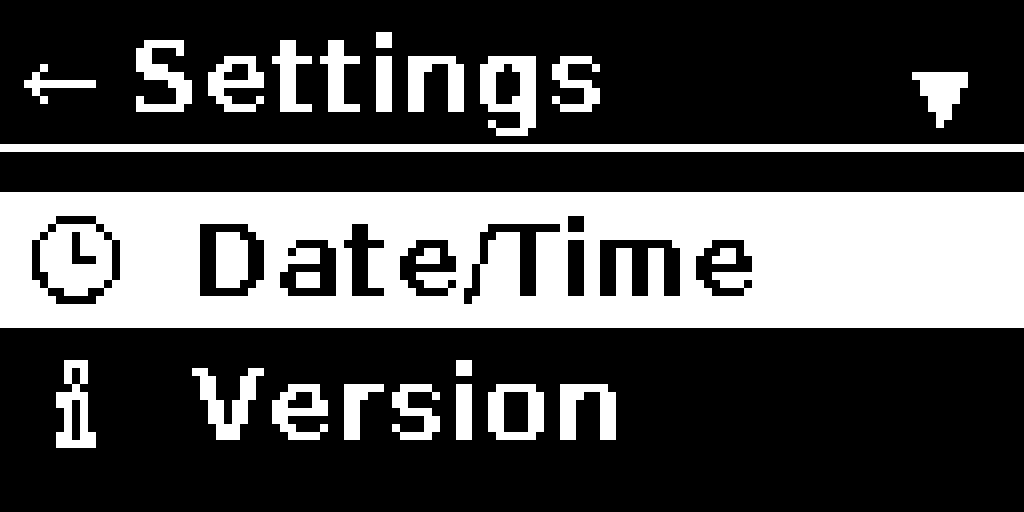
PurrfectBackup Knowledge Base
Set Date Time
Set your date, time, and time zone to ensure PurrfectBackup records backups and organizes files using the correct local date and time.
Steps to Set Date, Time and Time Zone
- Go to Settings → Set Time
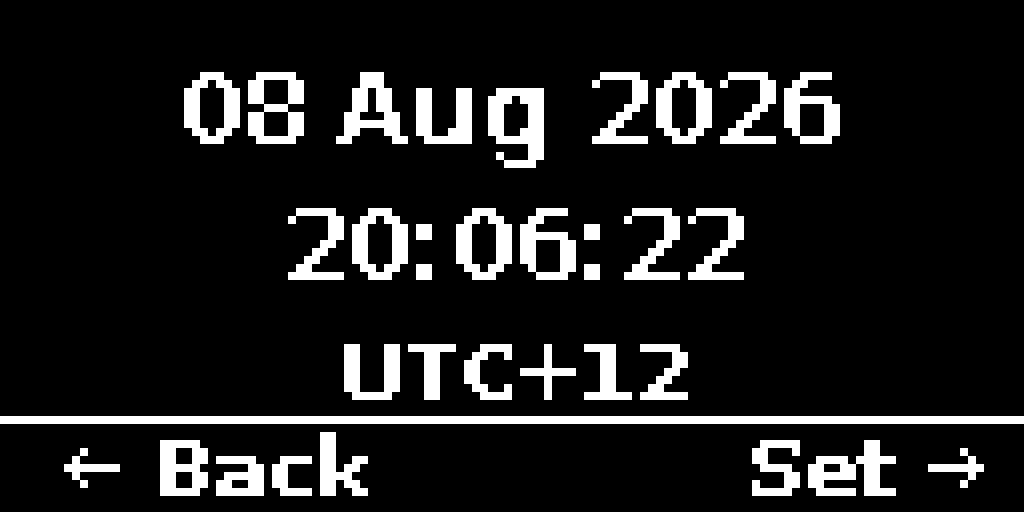
- It would show you current date / time and zone
- Press Right in joystick to set date, time and zone
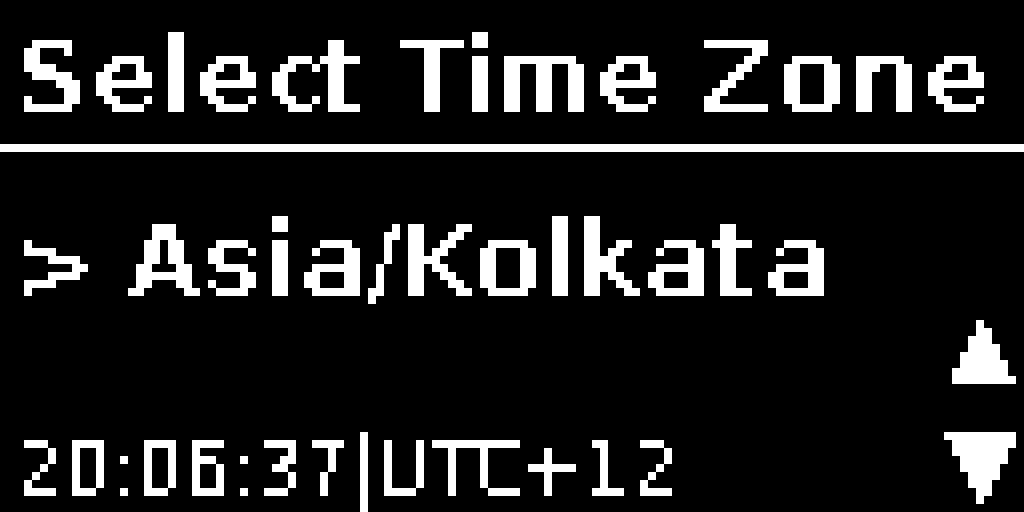
- Select Time Zone
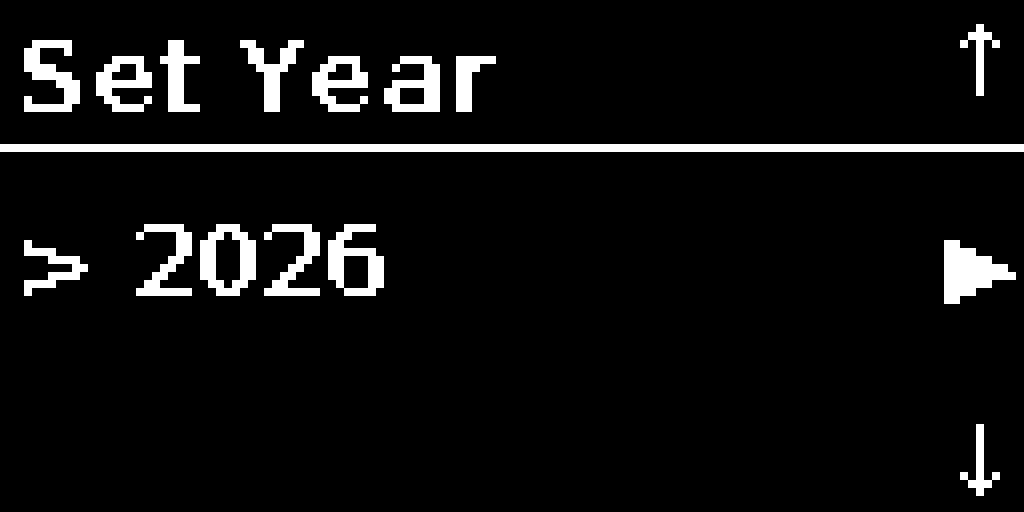
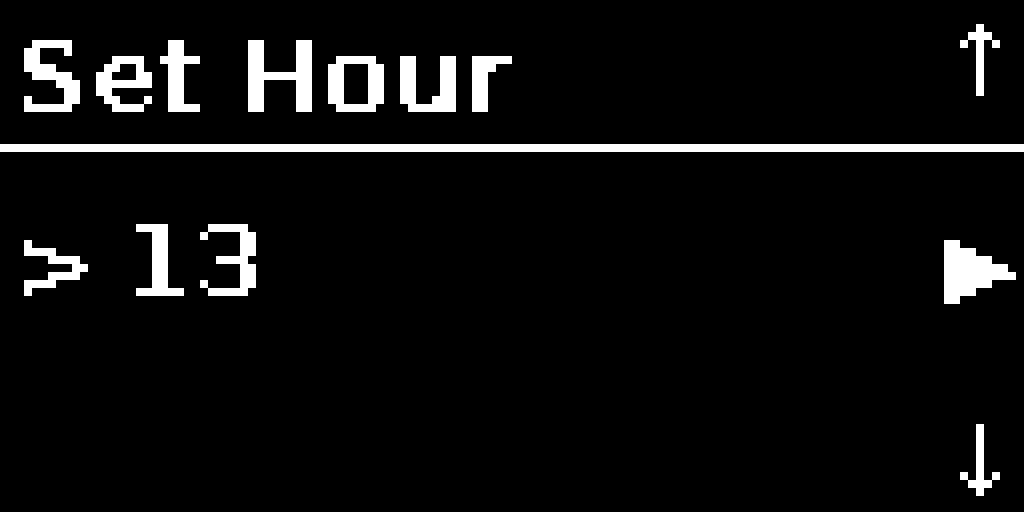
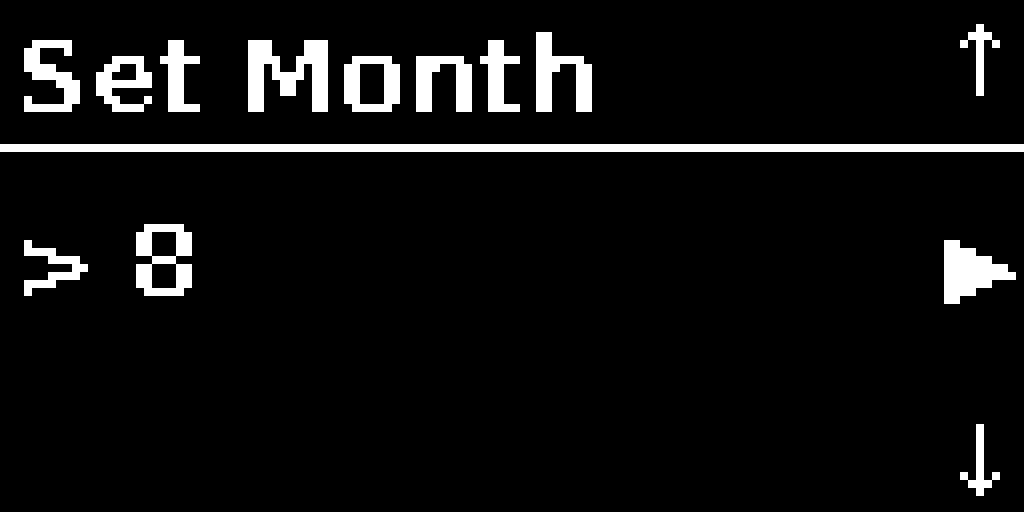
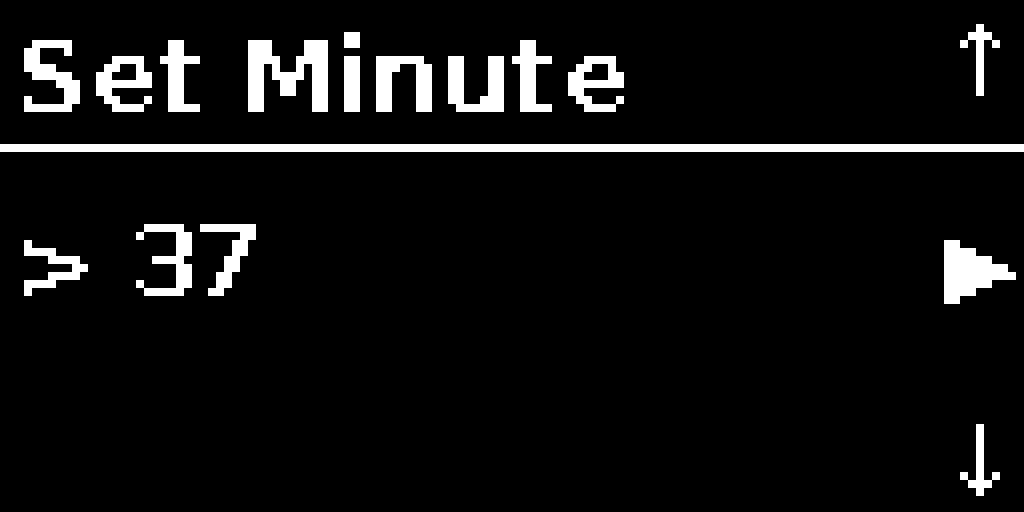
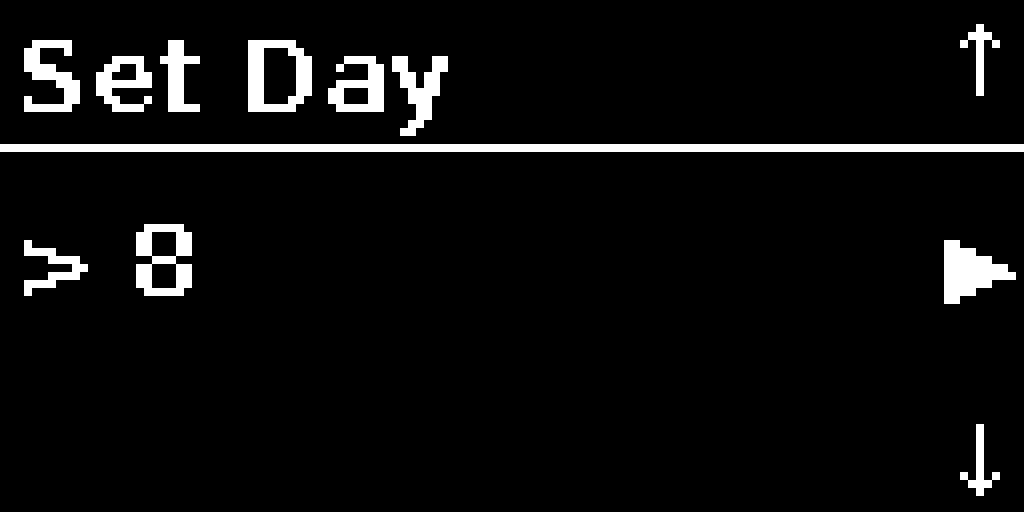
- Set date and time step-by-step:
- Year → Month → Day → Hour → Minute
- Use Joystick up/down toggle and press SELECT to confirm
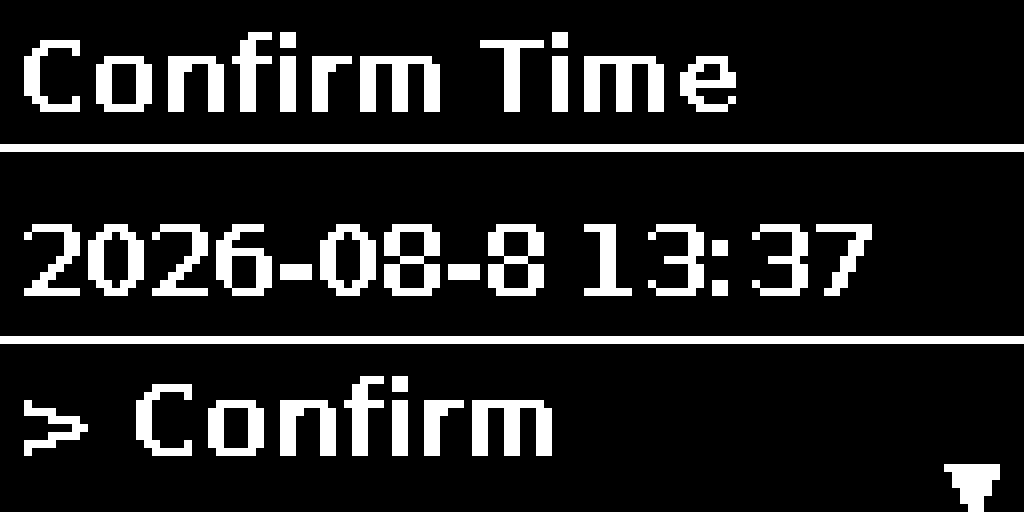
- On confirmation screen:
- Confirm – saves changes
- Restart – redo the setup
- Back – cancel
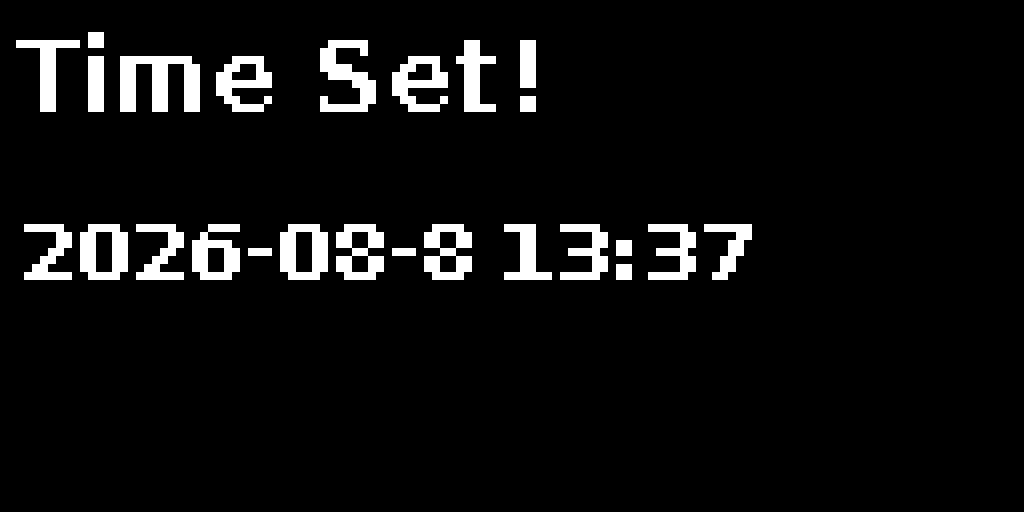
- A success message will show: Time Set! [Date & Time]