
🎉 Get 40% off Pre-Book Now →
PurrfectBackup – Just Copy

Quick & Easy Backups with PurrfectBackup Just Copy
If you’ve ever copied files from your SD card or USB drive using a laptop or phone with a dongle, you know the drill: plug in, open file manager, drag files, check space, hope nothing fails. It works — but it’s clunky and unreliable.
PurrfectBackup Just Copy was designed to remove all that hassle. Instead of juggling cables, dongles, and manual transfers, you press a single button and your files are copied — safely and quickly.
👉 Need the full step-by-step? Check our KB guide: How to Use Just Copy.
💻 Why Use Just Copy Instead of a Laptop or Phone?
- ⚡ No dongles or extra cables — connect SD card + drive directly
- 🔋 Battery saver — unlike laptops or phones that drain quickly
- 📱 No apps or file managers — skip software headaches
- 📂 Automatic space checks — warns you before copying if full
- 🖱️ One-button simplicity — press once, files copied safely
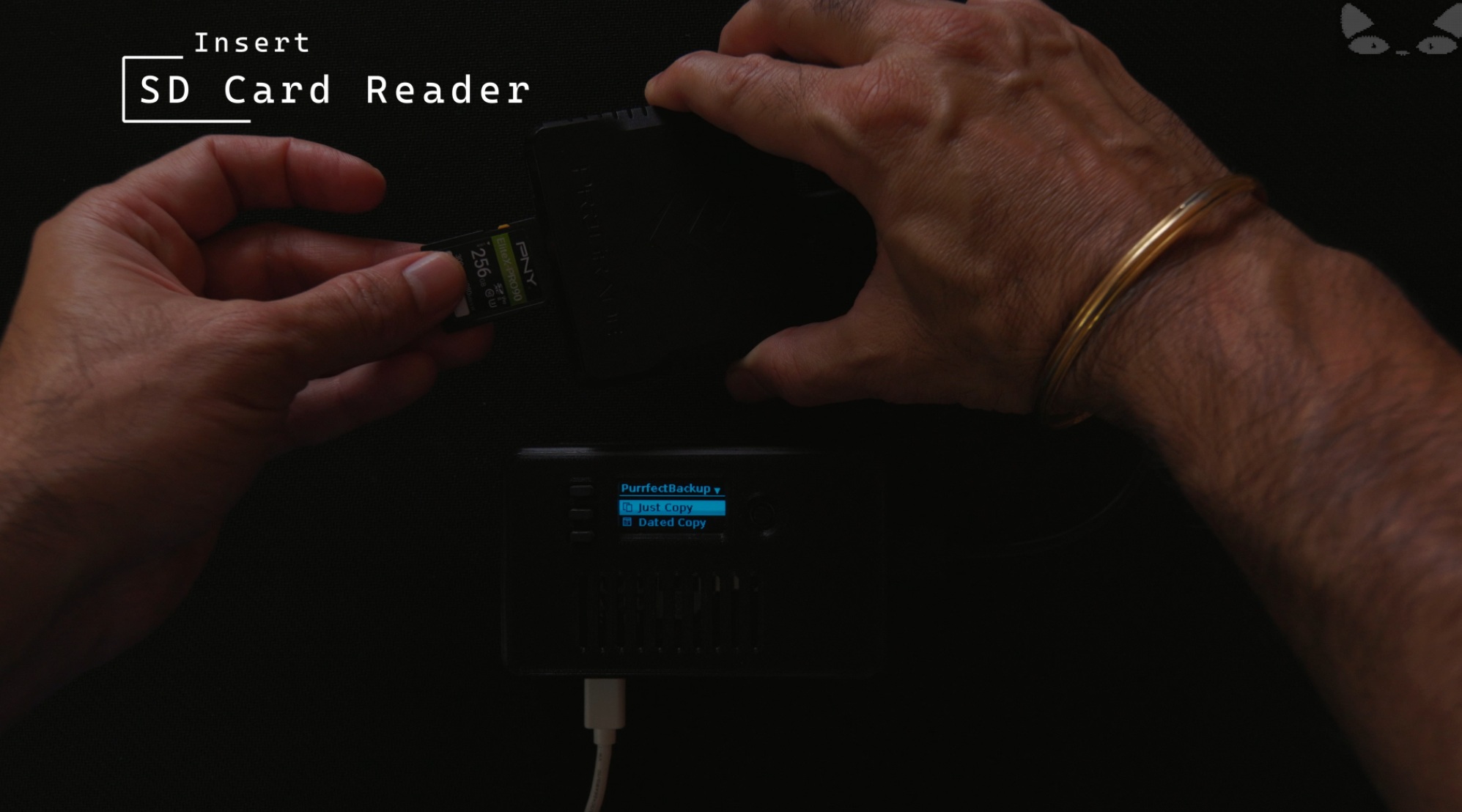
Just Copy: backups without dongles or power-hungry devices
🌍 When Just Copy Makes Life Easier
- 📸 On a photoshoot — offload SD cards without carrying a laptop
- ✈️ Traveling — backup on the go, no adapters needed
- 🏕 Remote locations — works offline, runs on power bank
- 💻 Everyday users — safer than manual drag-and-drop
💡 Pro Tip
Use Just Copy as your first pass backup after a shoot. Later, when you’re at your desk, you can sync or archive — but your files are already safe.